
The Complete Network
Engineering Toolkit
40+ professional tools for diagnostics, monitoring, scanning, and learning. One app. No subscriptions. No internet required.
Professional Tools for Network Engineers
From diagnostics to syslog management — purpose-built applications for IT professionals.
NetPilot Toolkit
39 network diagnostic, monitoring, and learning tools in one application. Free to start, $49 to unlock everything.
Syslog Client
Forward Windows Event Logs to any syslog server. Supports UDP, TCP, and TLS with granular filtering policies.
Syslog Server
Receive, store, search, and alert on syslog messages from any source. Tiered pricing for teams of all sizes.
One App. Endless Capabilities.
From ping to packet capture, from network mapping to a built-in academy — NetPilot has you covered.
Network Tools
8 essential tools including Enhanced Ping, Traceroute, DNS Lookup, Network Scanner, and WAN Emulator.
Explore ToolsMonitoring
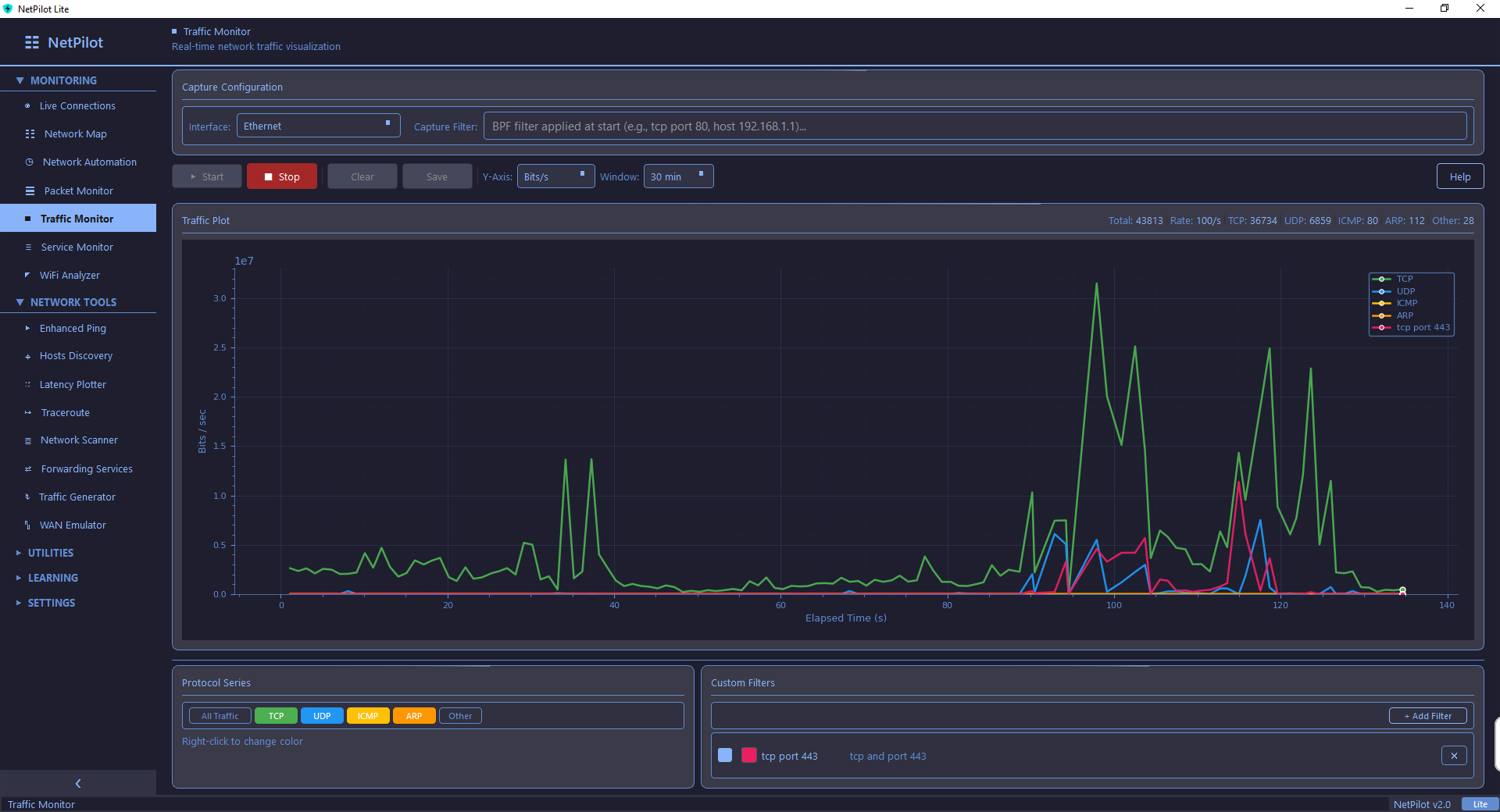
7 real-time monitoring tools: Network Map, Live Connections, Packet Monitor, Traffic Monitor, and more.
Explore MonitoringUtilities
Subnet Calculator, Syslog Server, TFTP Server, PCAP Analyzer, Video Player, and more everyday tools.
Explore UtilitiesLearning
NetPilot Academy, CLI Simulator, Network Quizzes, Interview Prep, and Configuration Examples.
Explore LearningEnhanced Ping
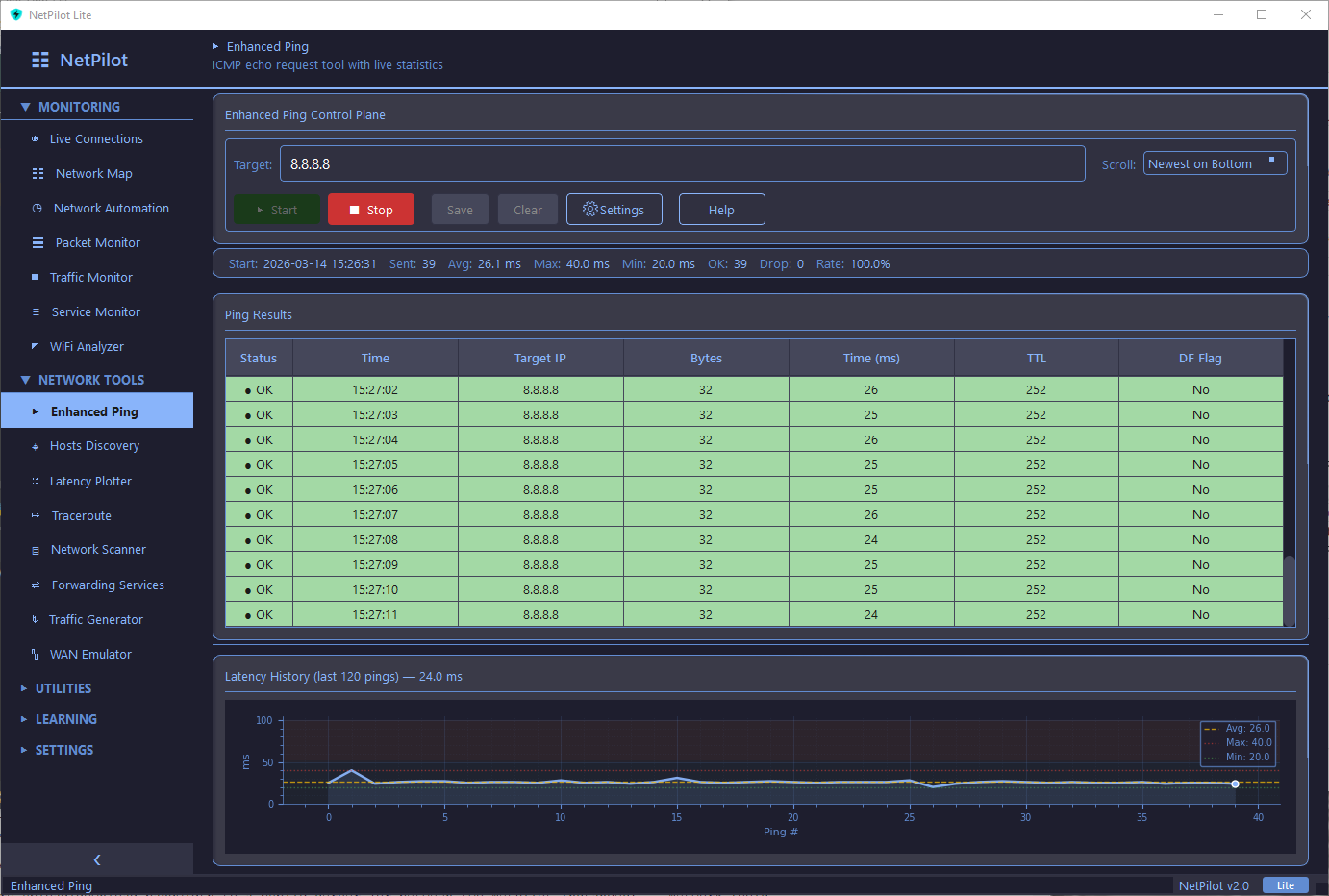
Multi-target ICMP ping with live charting, statistics, and CSV export. Monitor multiple hosts simultaneously with real-time performance graphs.
- Multi-target simultaneous pinging
- Live matplotlib charts with 10,000-point history
- Min/Max/Avg statistics per target
- Export results to CSV
Interactive Network Map
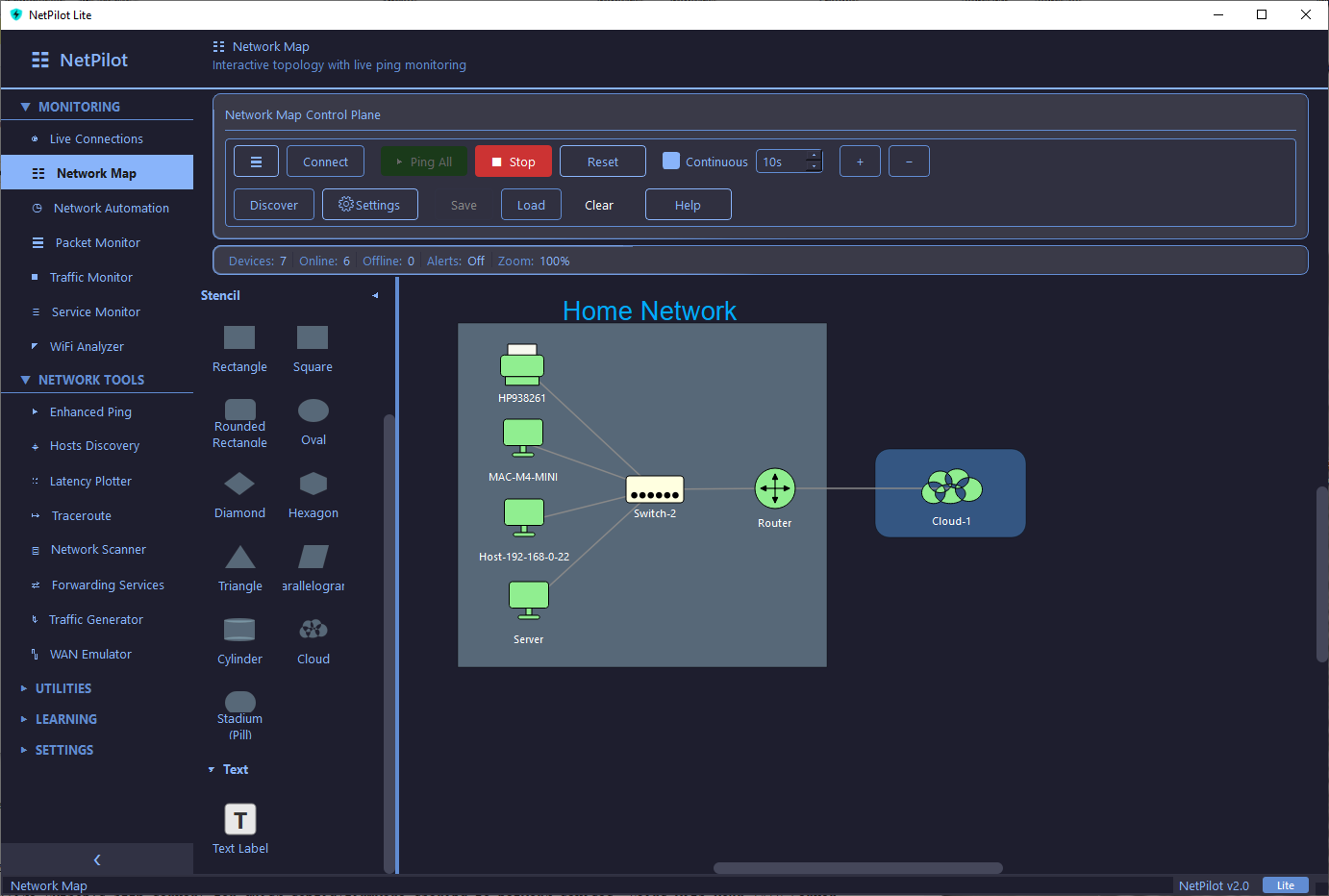
More than a diagram — a live monitoring canvas. Build your topology with drag-and-drop, then activate continuous ping monitoring to watch every device in real time. Devices turn green when online and red when they drop off. Set custom ping intervals and get alerted instantly.
- Continuous ping monitoring with customizable intervals
- Live status coloring — green (online), red (offline)
- Alerts via audio, syslog, log file, and email
- 16 device types with auto-discovery
- Save, load, and export maps as XML
WAN Emulator
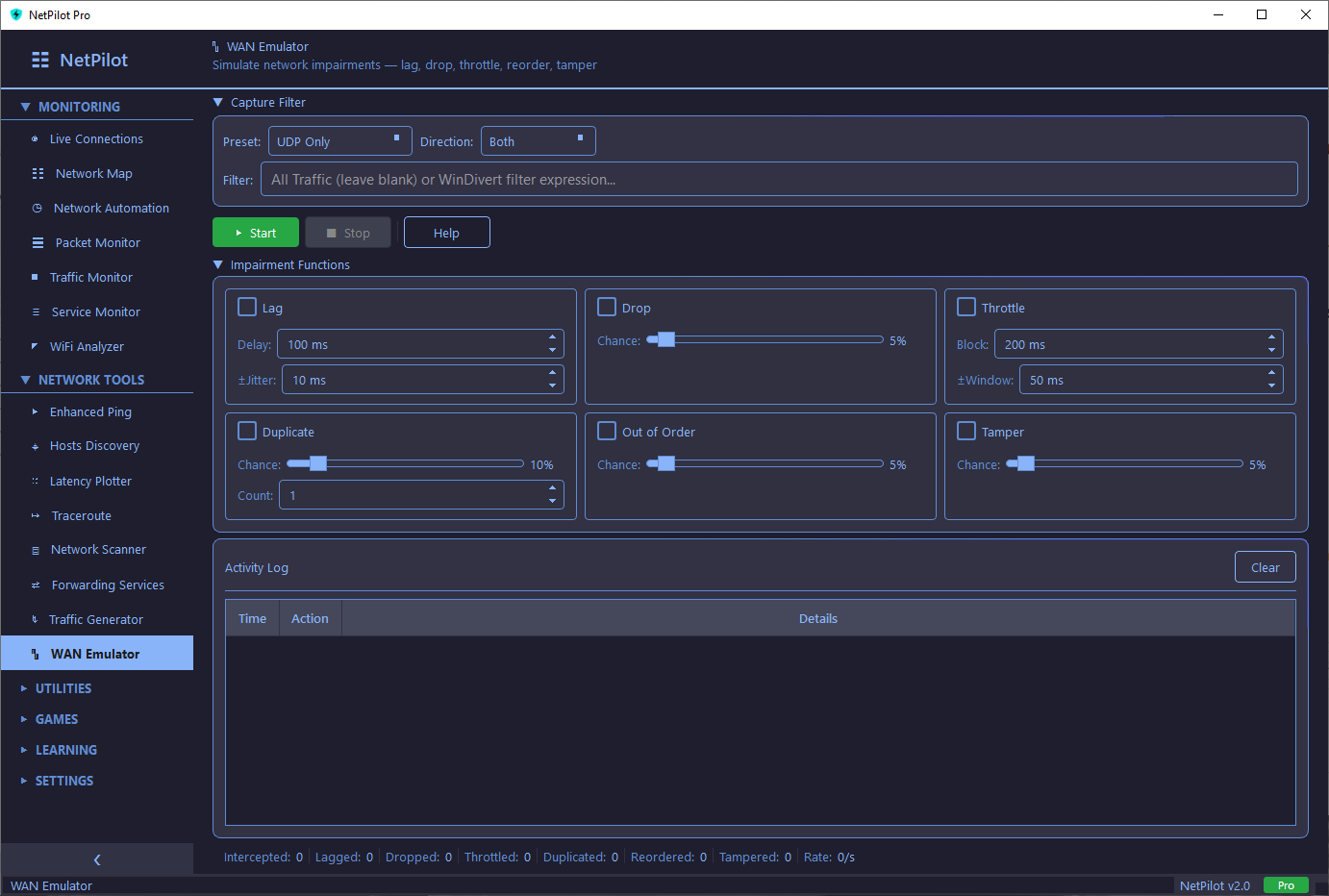
Simulate real-world network conditions with live packet interception. Test how applications behave under impaired network conditions.
- 6 impairment types: Lag, Drop, Throttle, Duplicate, Out-of-Order, Tamper
- Live packet interception via WinDivert
- Adjustable impairment parameters
- Real-time statistics dashboard
Free to Start. Powerful to Upgrade.
NetPilot Lite gets you started with essential tools. Pro unlocks the full arsenal.
Lite
Essential networking tools at no cost.
- Enhanced Ping
- Host Discovery
- Latency Plotter
- Traceroute
- System Information
- Subnet Calculator
- NetPilot Academy
Pro
- Everything in Lite
- Network Scanner & Packet Monitor
- Network Map & Live Connections
- WAN Emulator & Traffic Generator
- PCAP Analyzer & Syslog Server
- 12 Custom Themes
- 10 Built-in Games
- Save & Export everything
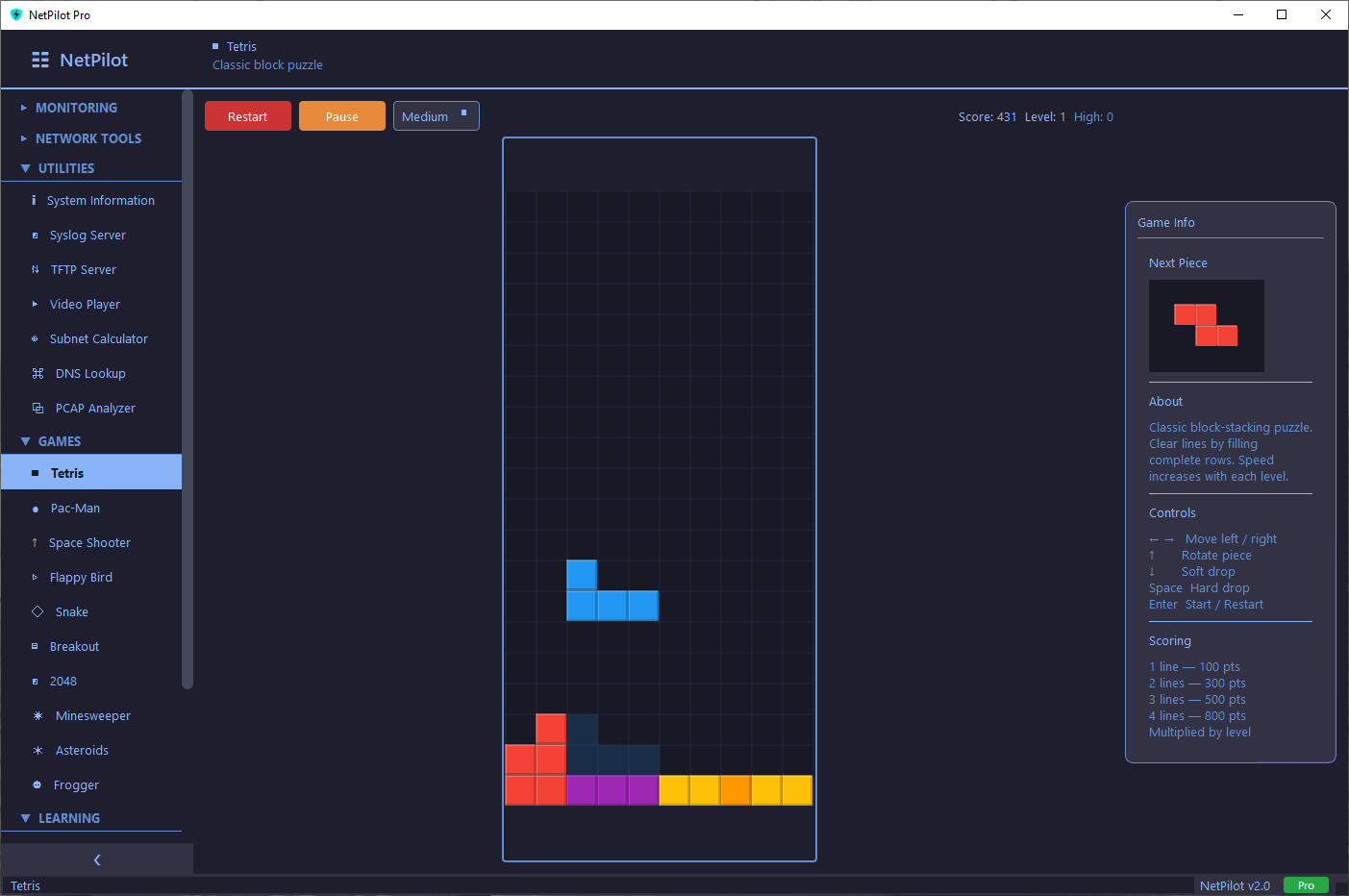
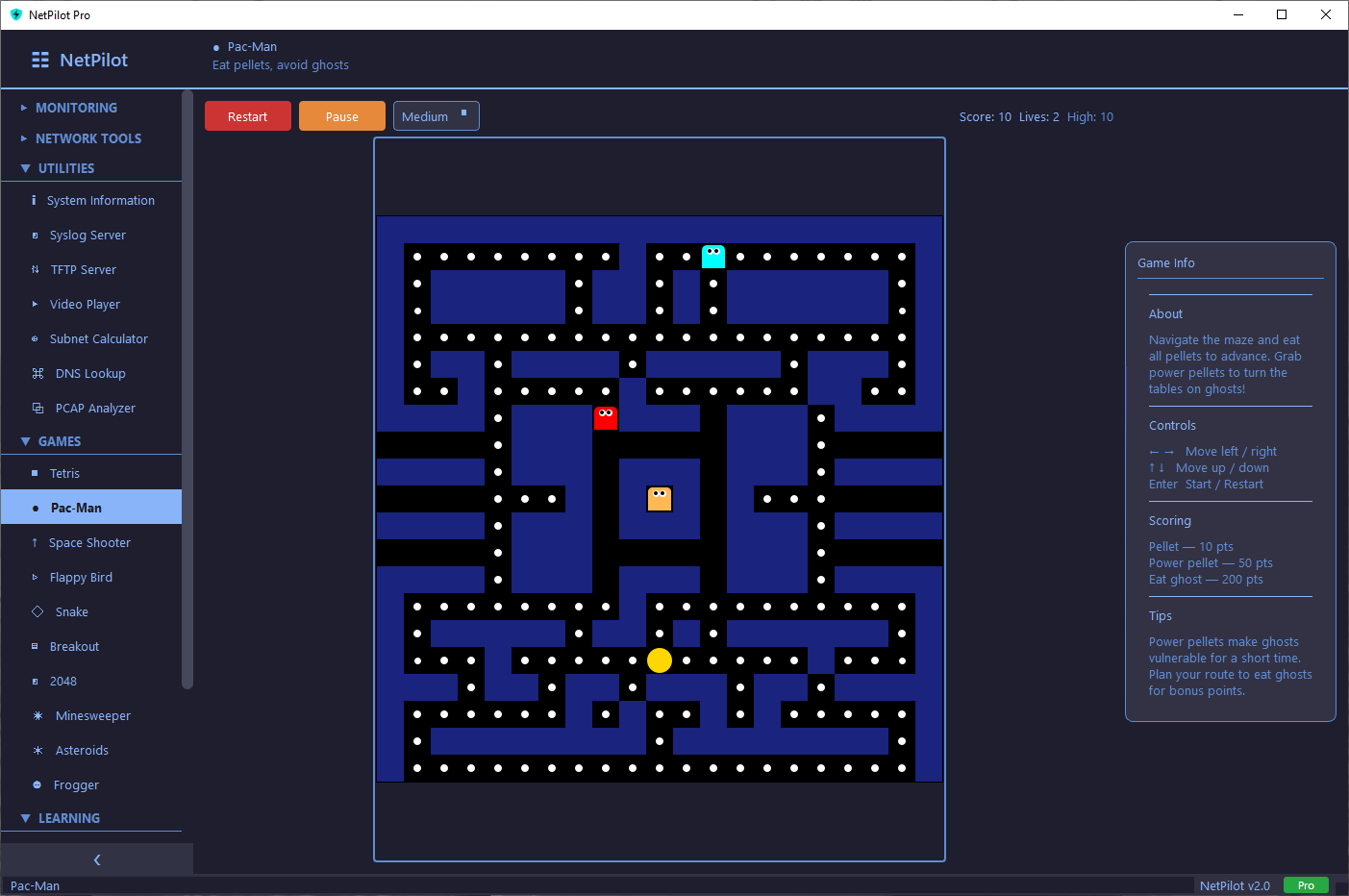
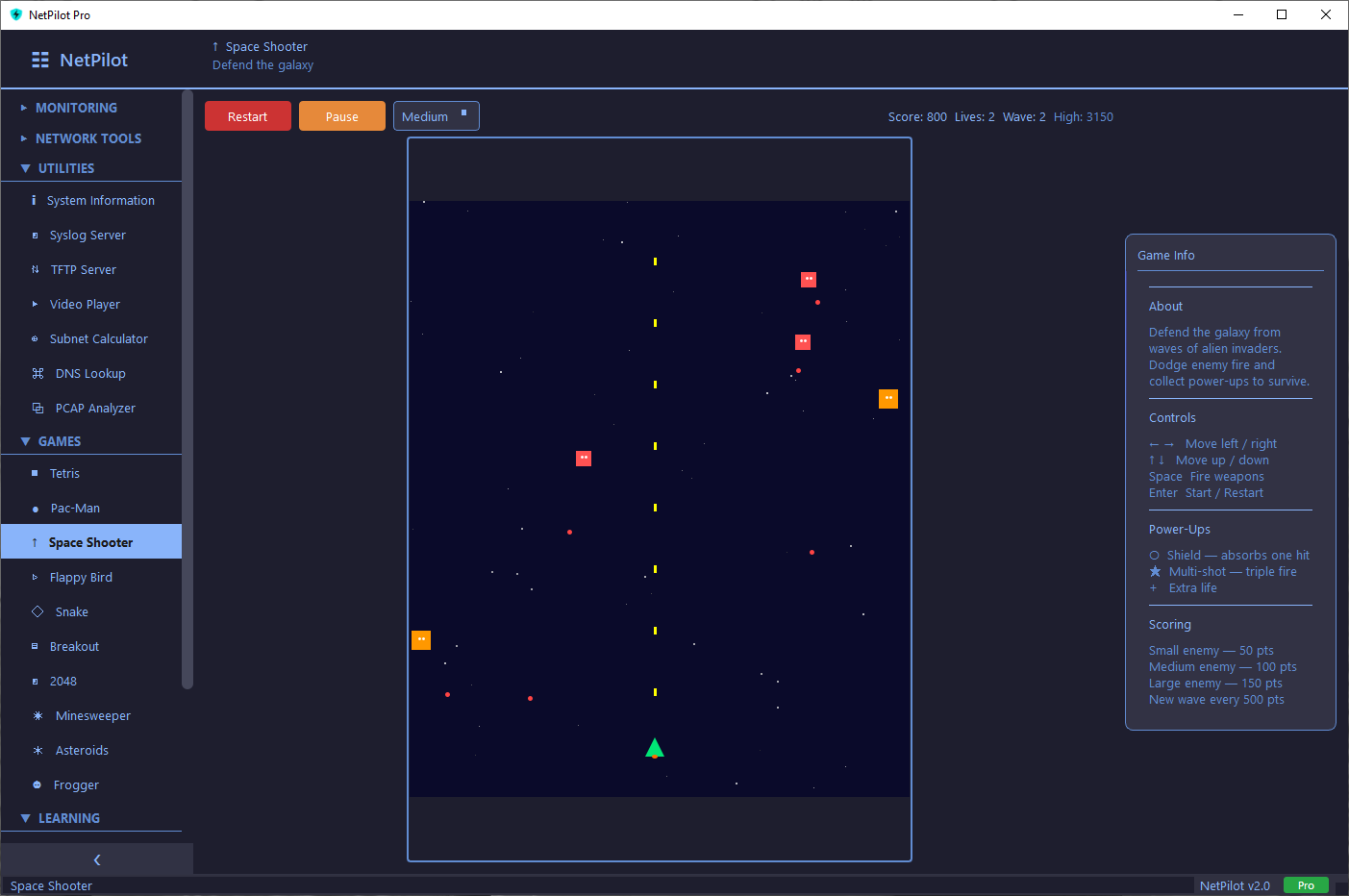
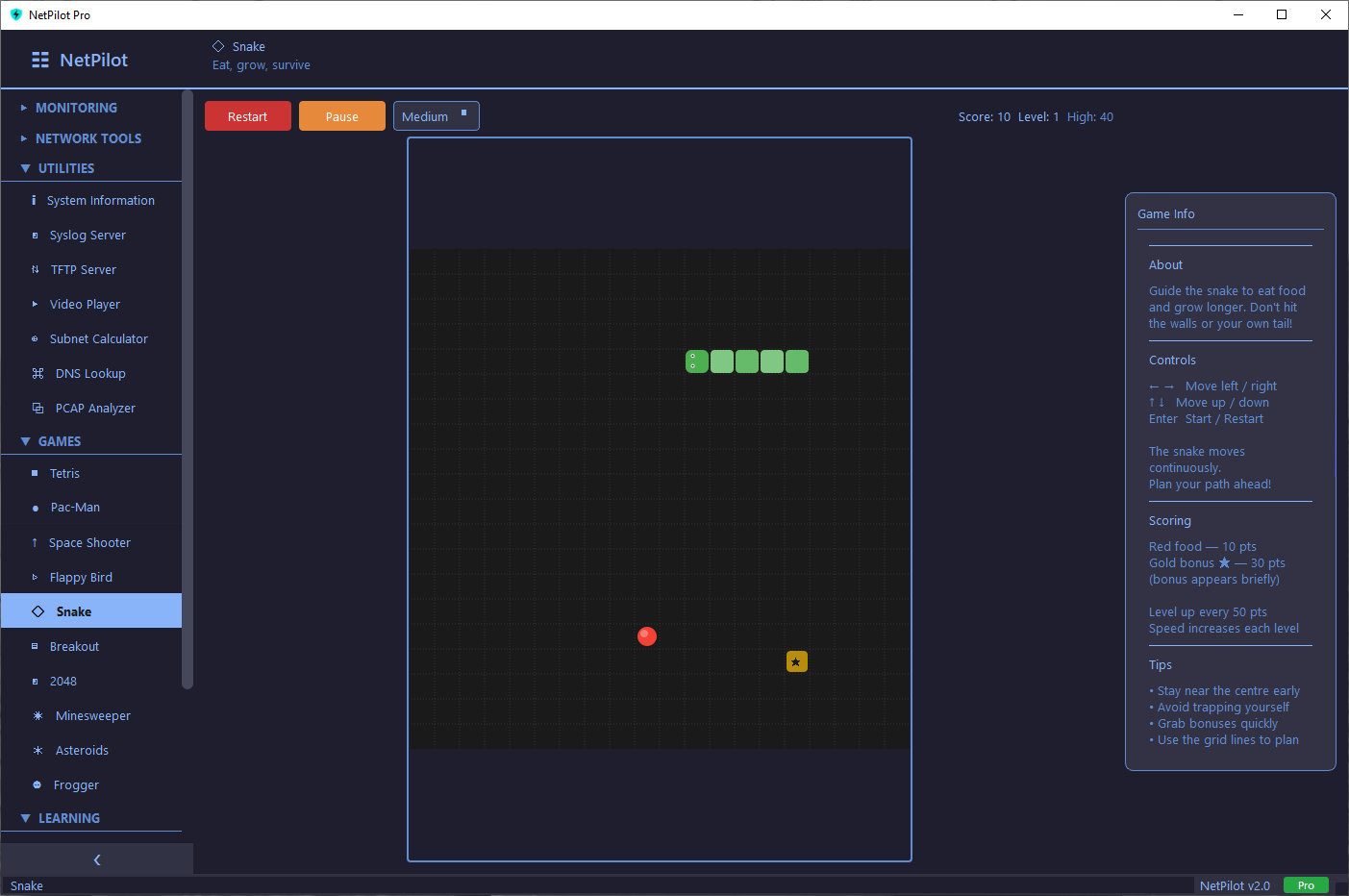
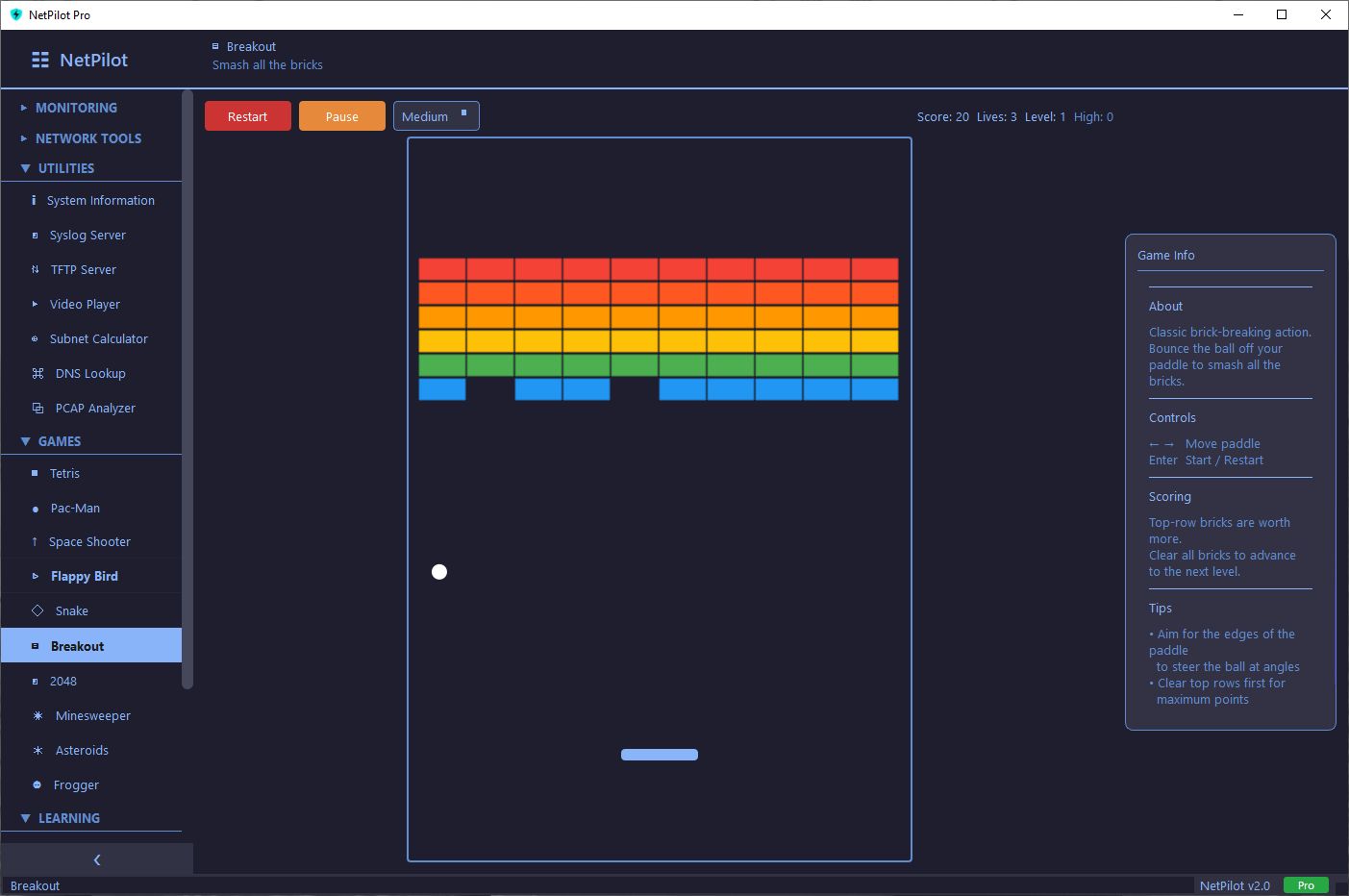
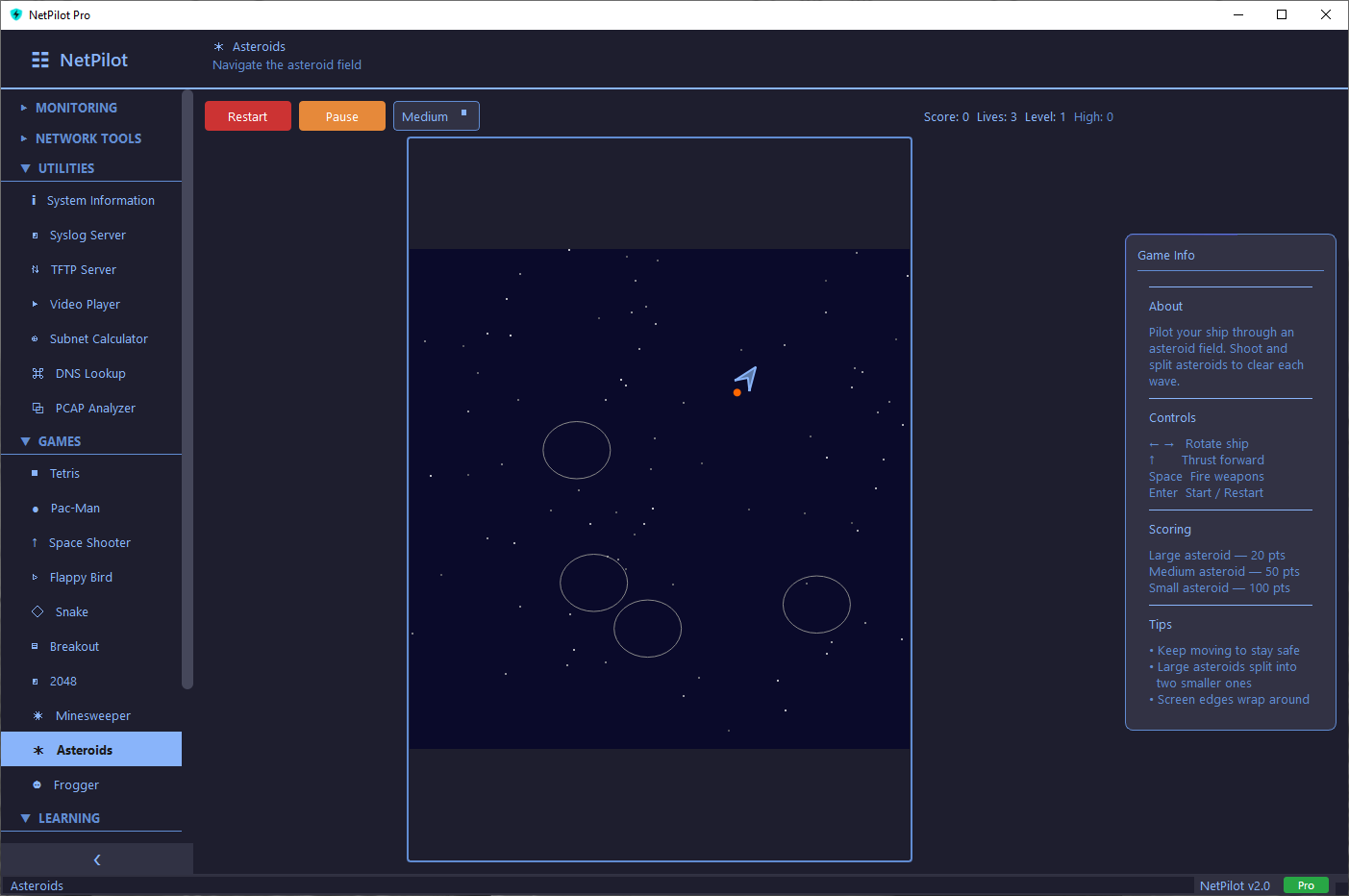
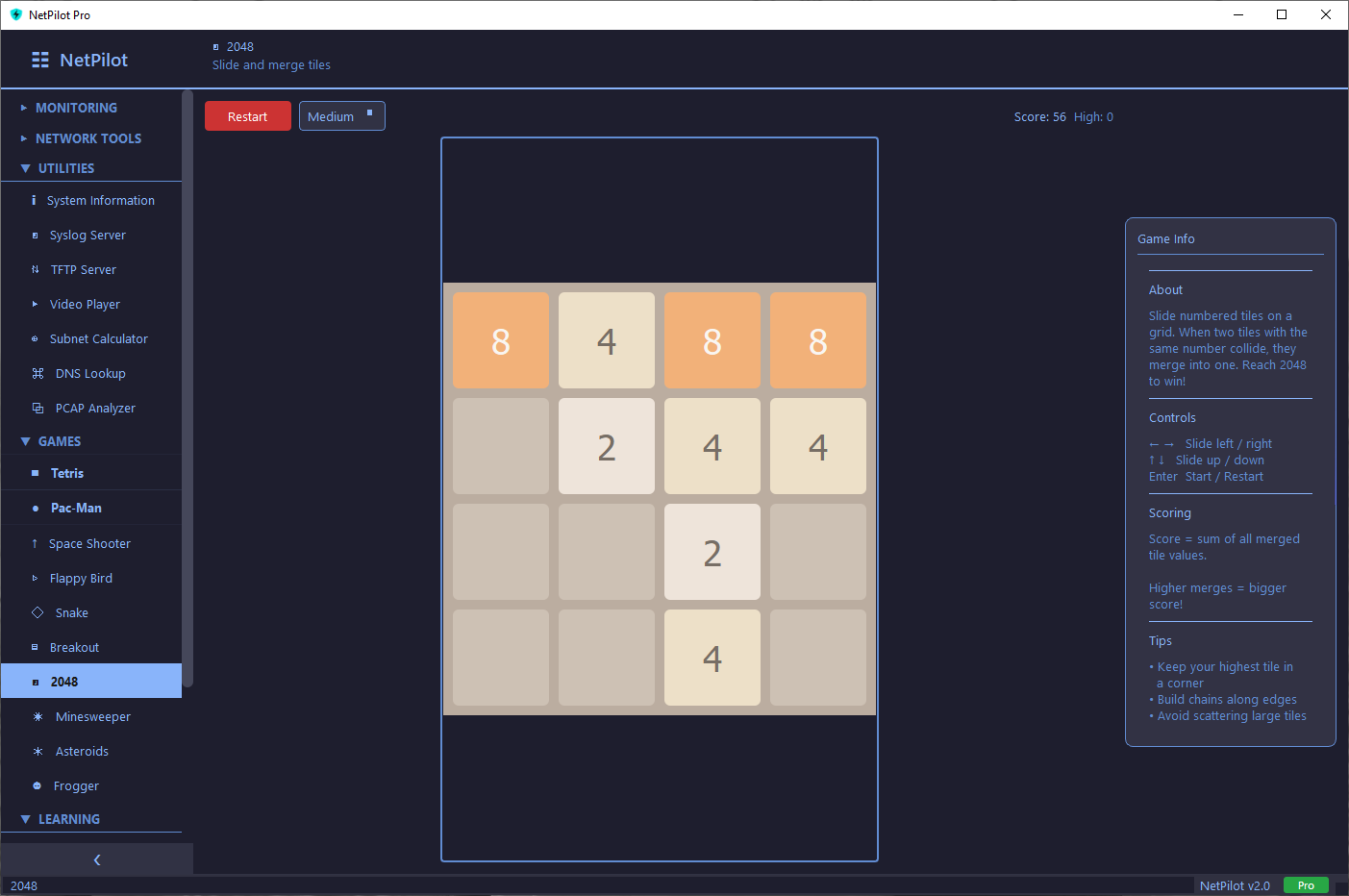
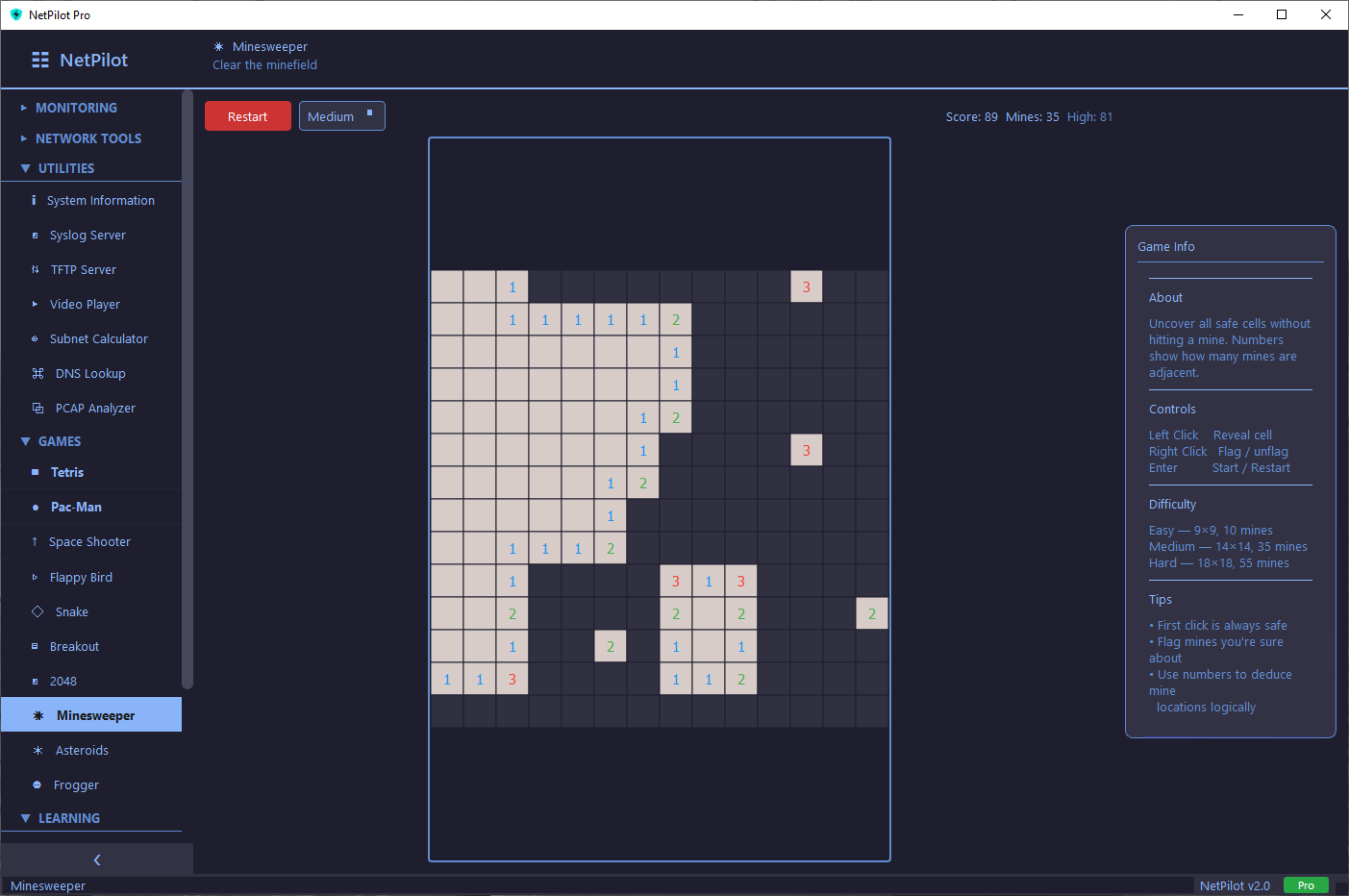
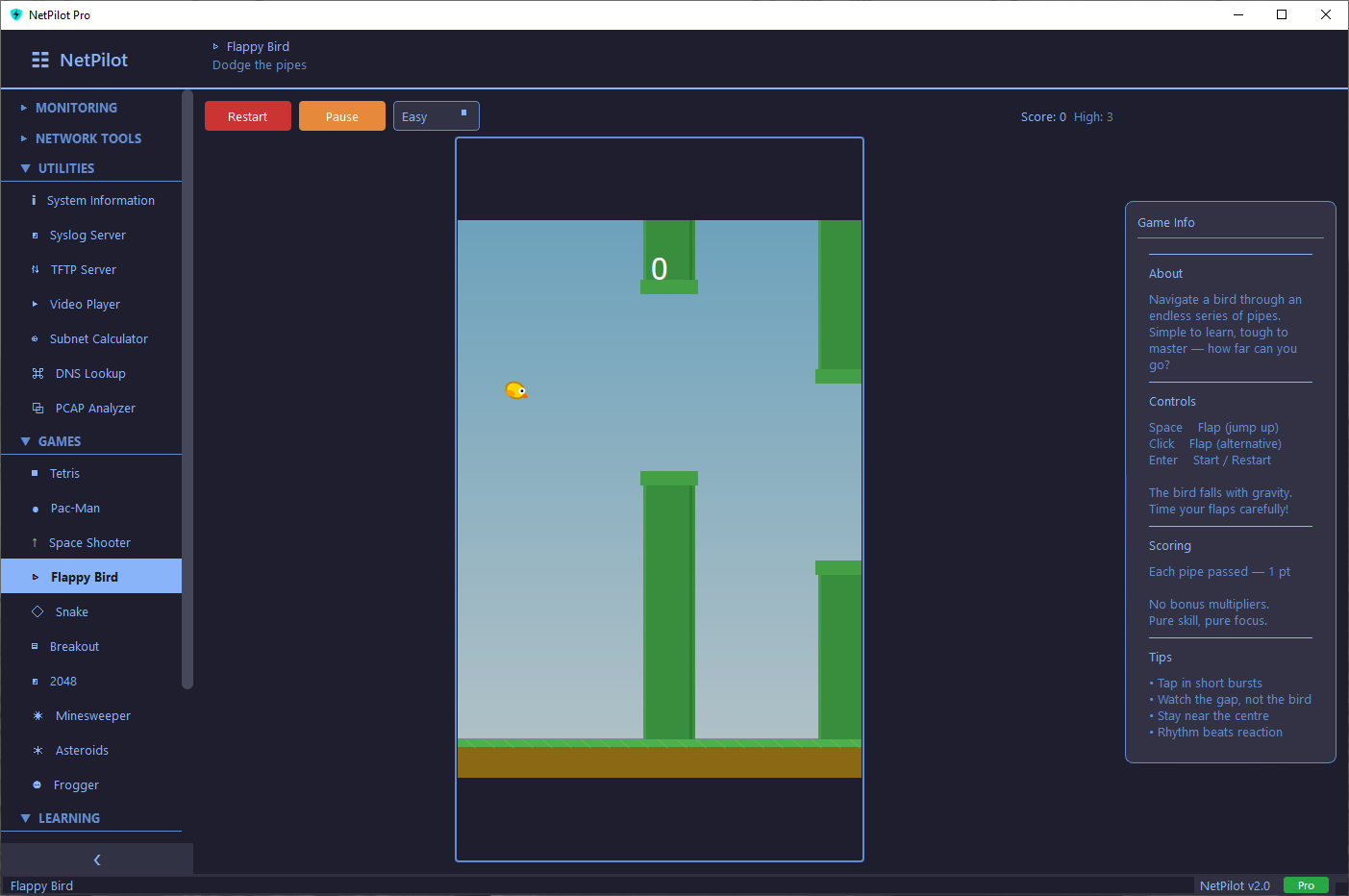
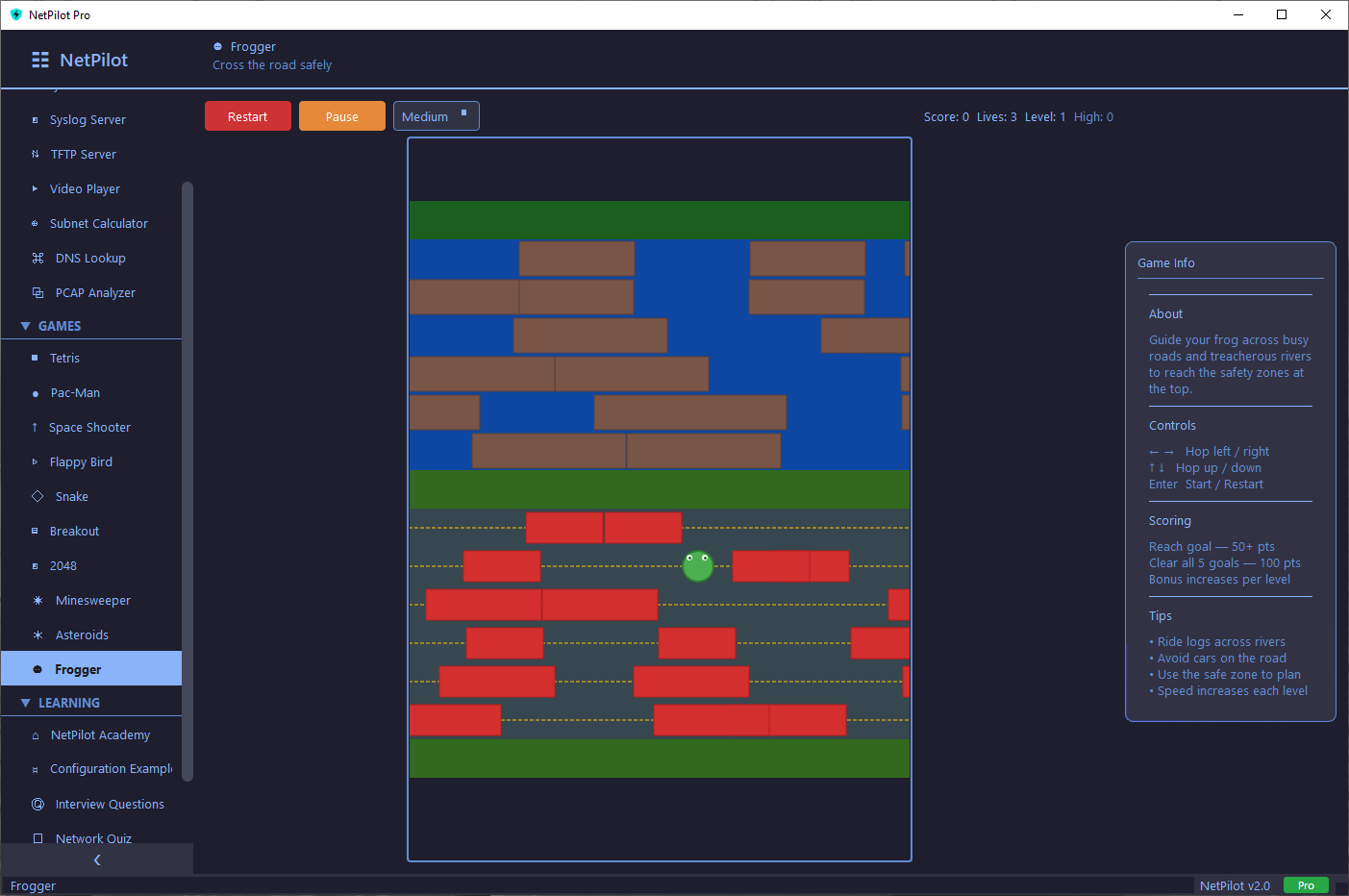
Take a Break. Play a Game.
10 classic games built right into NetPilot Pro — all playable offline. Perfect for maintenance windows and downtime.
Built Different.
No Subscriptions
One payment, lifetime access. No monthly fees, no check-ins, no cloud dependency. Your tool, your terms.
Works Offline
Perfect for air-gapped environments, secure labs, and field work. No internet connection needed after activation.
Fast & Lightweight
Around 100MB. Quick installer, runs on Windows 10/11 with minimal resources. No bloat, no dependencies.
System Requirements
Frequently Asked Questions
NetPilot Syslog Client
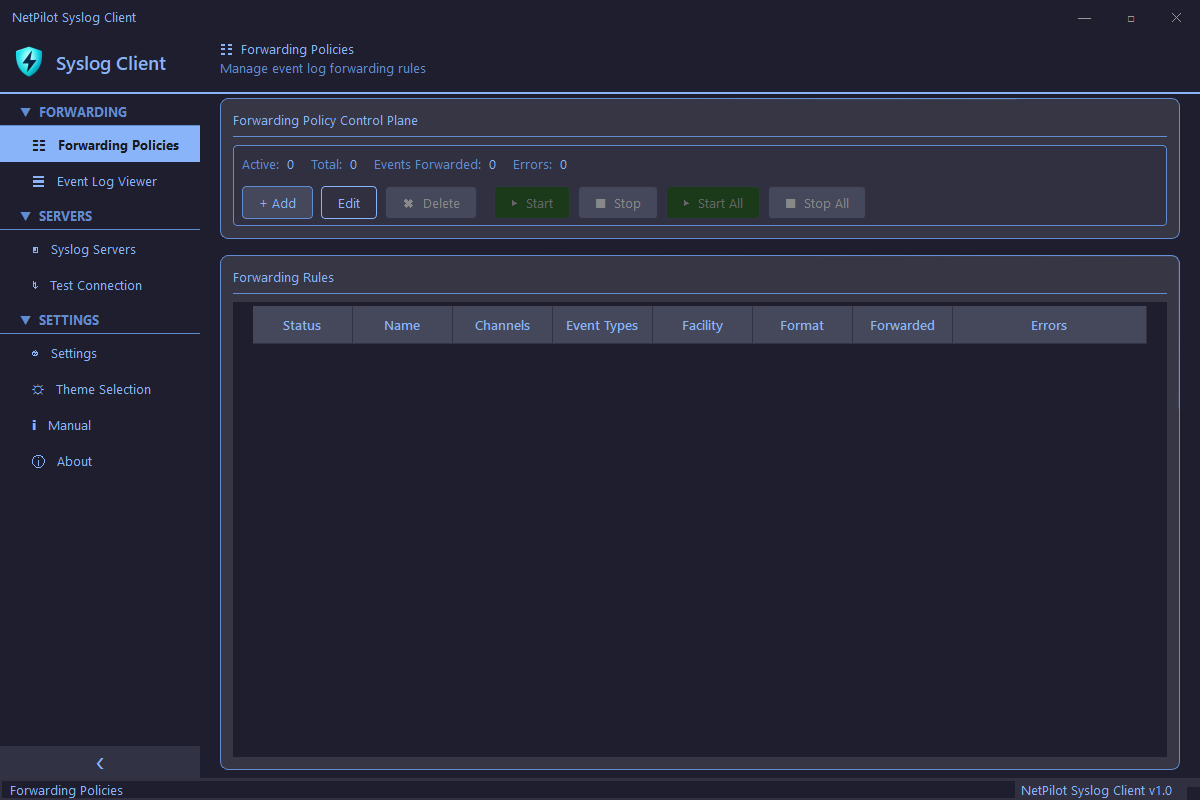
Forward Windows Event Logs to any syslog server in real-time. Create granular forwarding policies, filter by channel and event type, and verify connectivity before going live.
- UDP, TCP, and TLS (RFC 5425) support
- RFC 3164 & RFC 5424 message formats
- Granular forwarding policies with filtering
- Built-in event log viewer and test connection
- 12 themes included

Ready to Take Control
of Your Network?
Professional tools for network engineers. Free to start.