
Windows Event Log
Syslog Forwarder
Monitor and forward Windows Event Logs to any syslog server. Supports UDP, TCP, and TLS with granular filtering policies. Free forever.

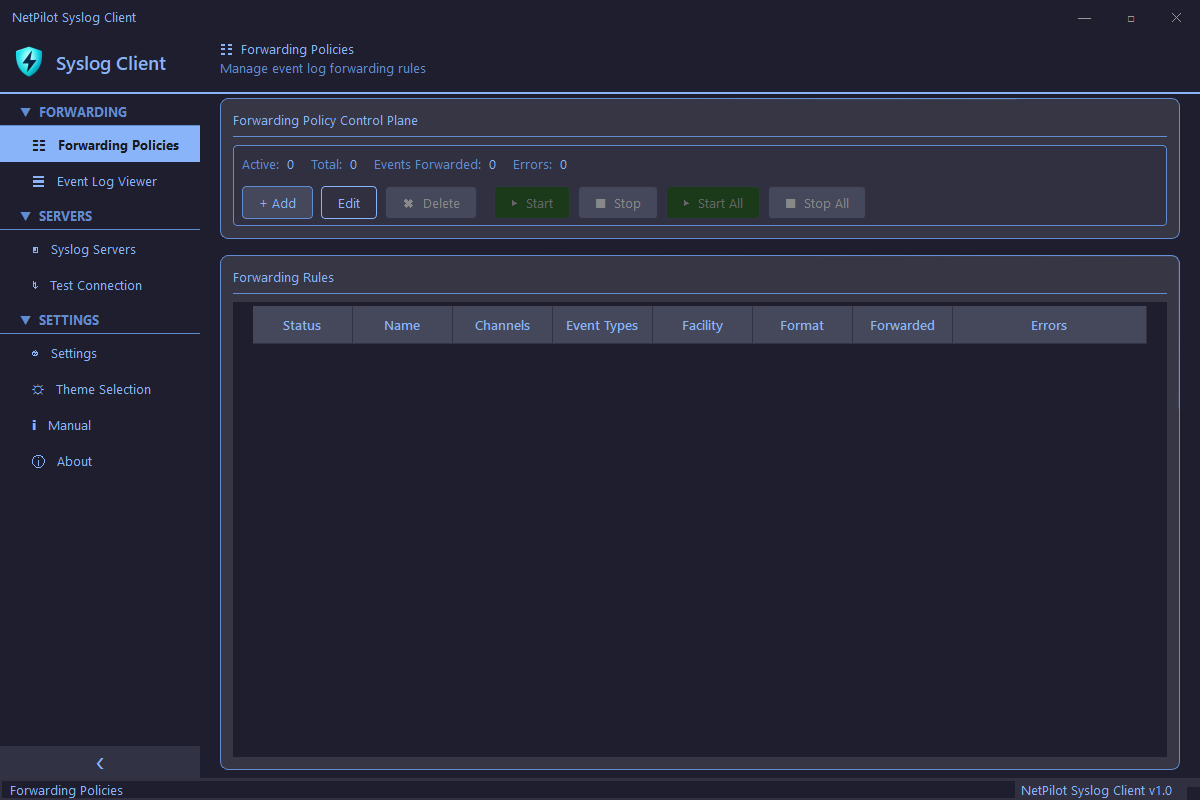
Forwarding Policies
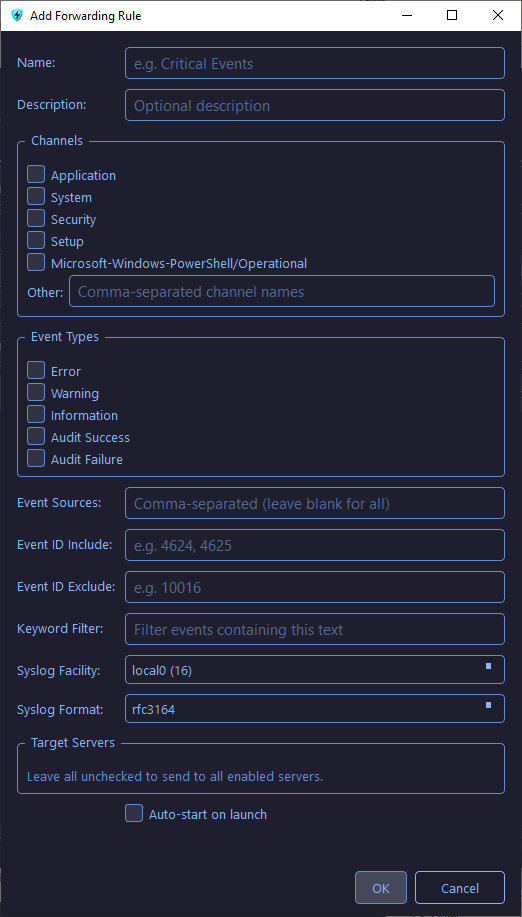
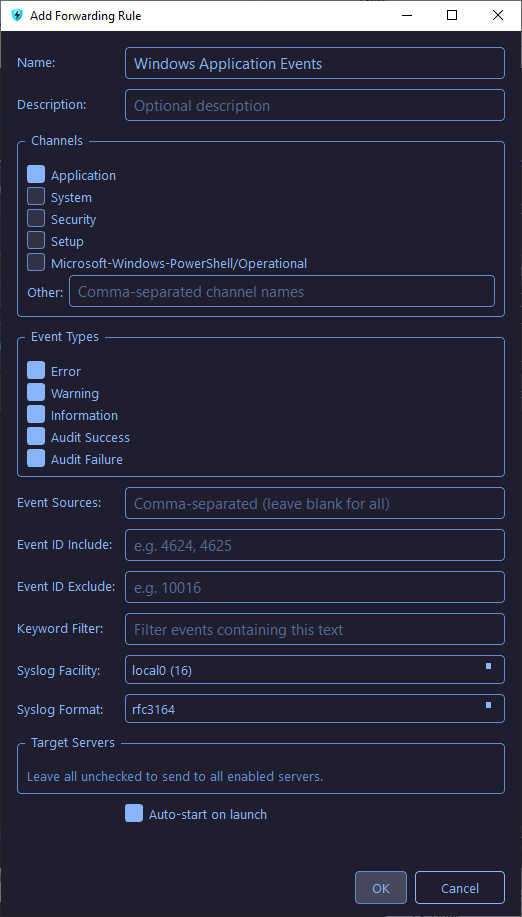
Create granular rules to forward specific Windows Event Log channels to syslog servers. Filter by channel, event type, keywords, and event IDs with full RFC format support.
- Filter by channel (Application, System, Security, Setup, PowerShell)
- Filter by event type (Error, Warning, Information, Audit)
- Keyword filtering and event ID include/exclude lists
- RFC 3164 and RFC 5424 message format support
- Auto-start forwarding on application launch
Event Log Viewer
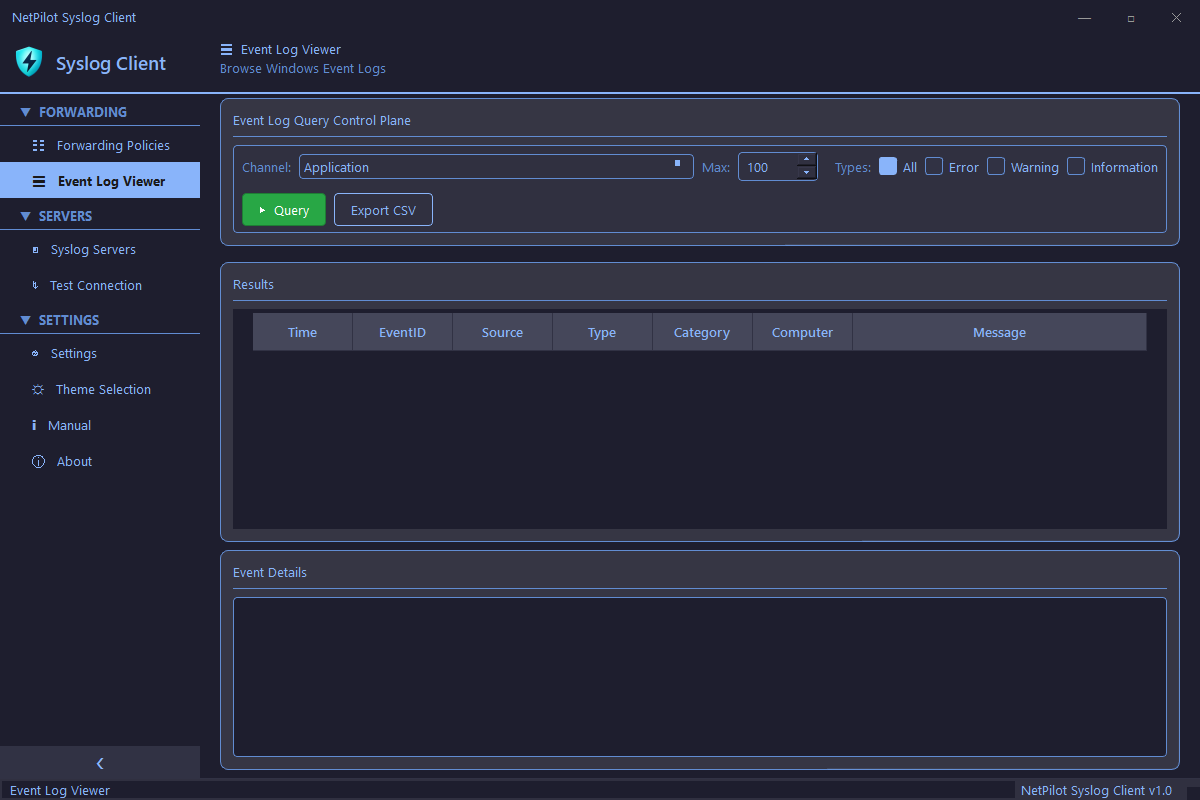
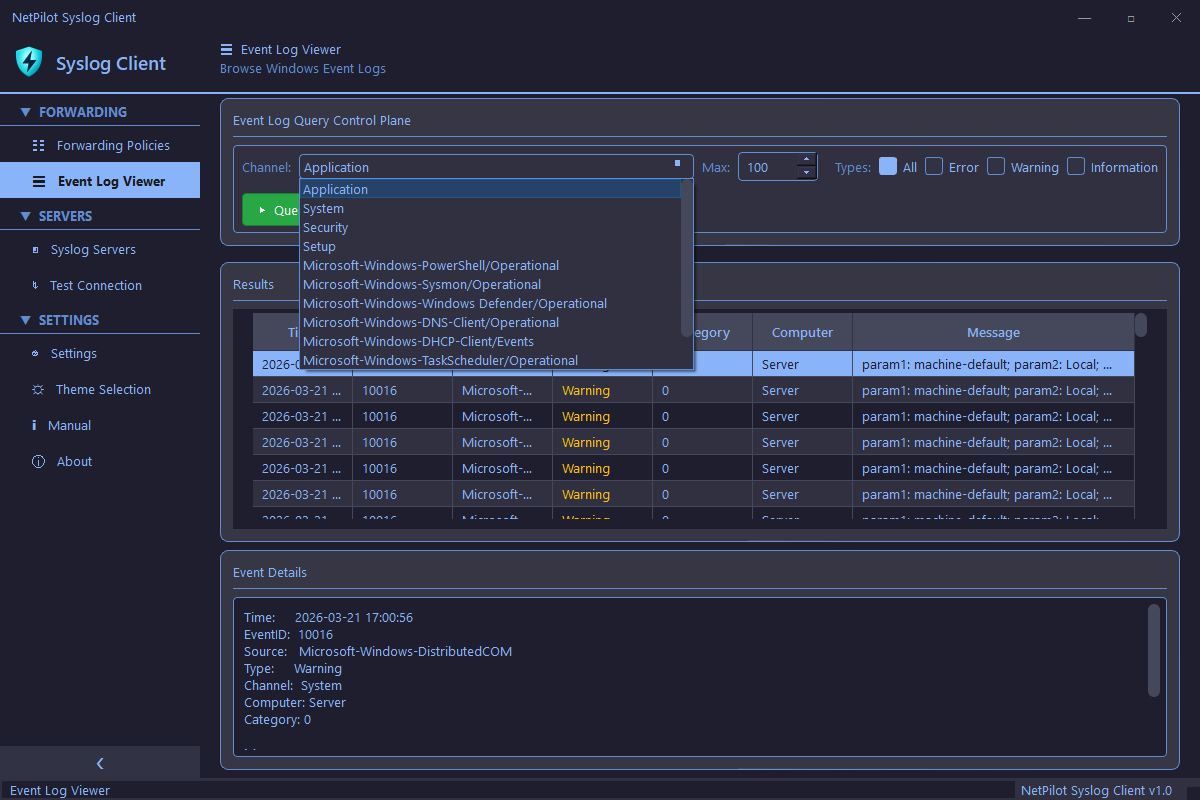
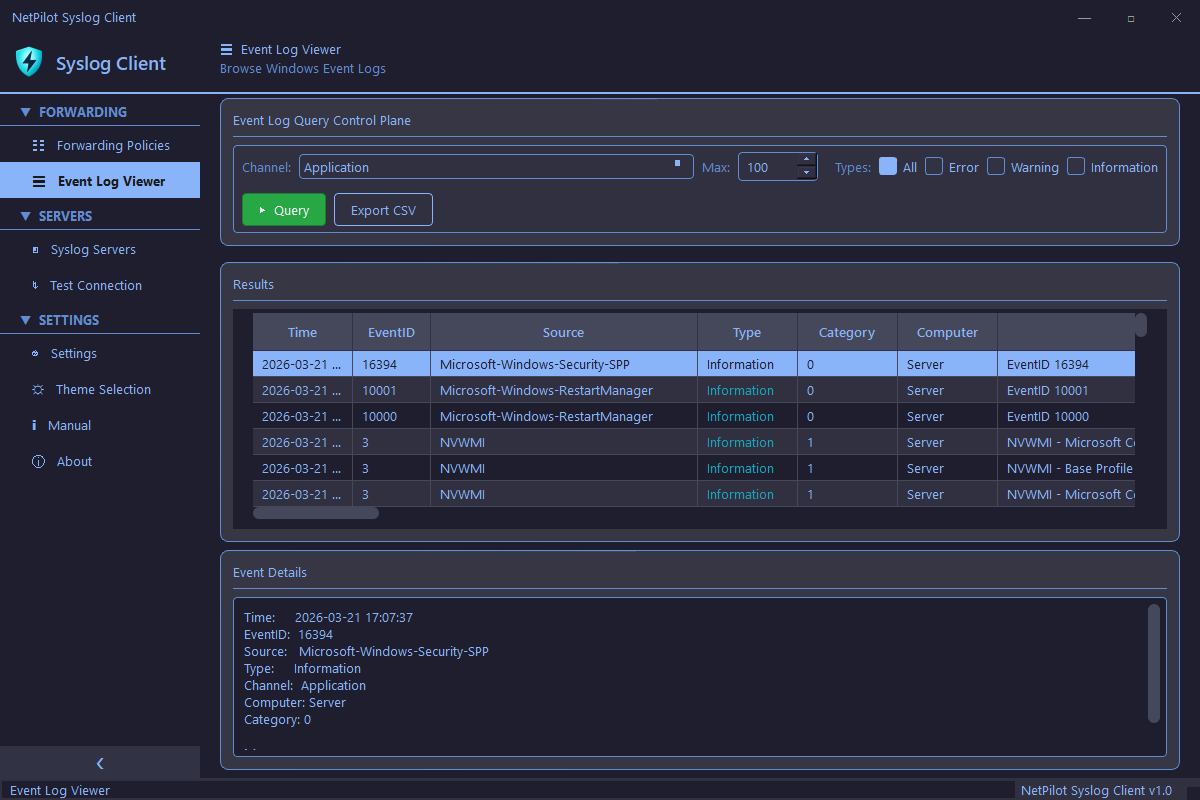
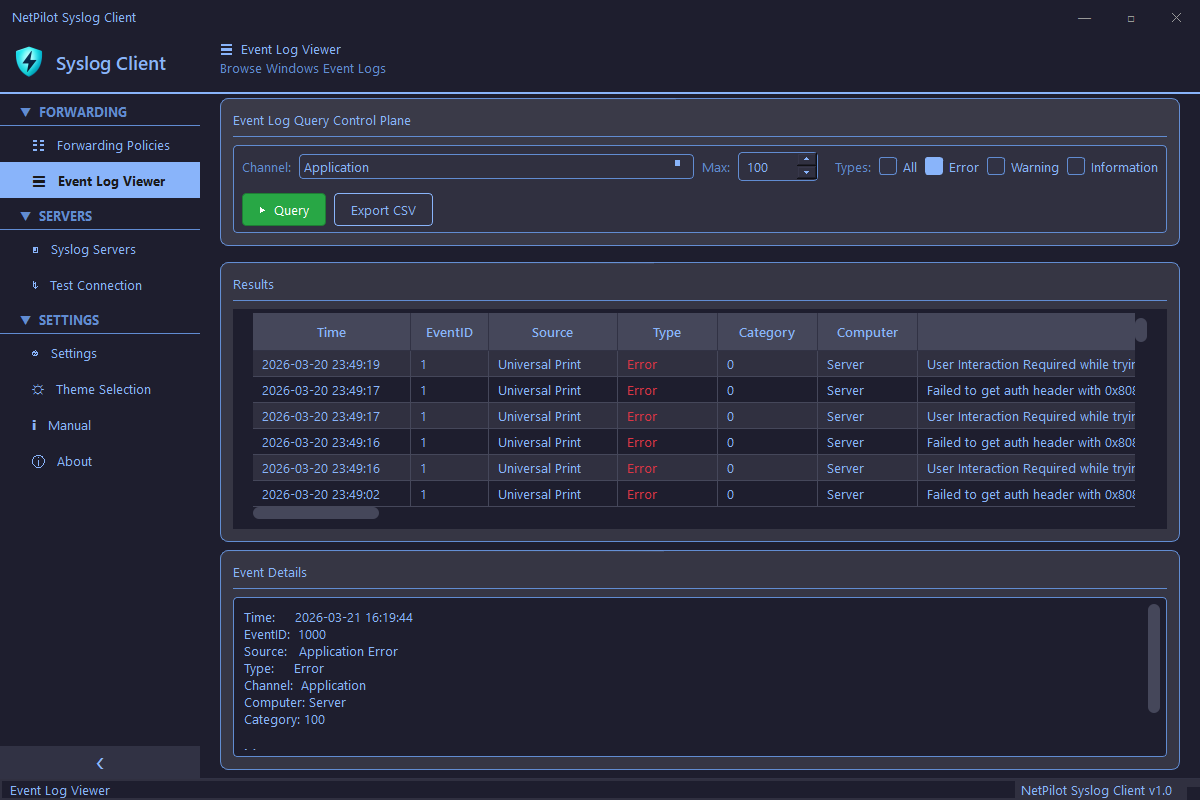
Browse and query Windows Event Logs directly from within the application. Inspect event details, filter by type, and export results without opening Event Viewer.
- Query any event channel (Application, System, Security, and more)
- Filter by type (Error, Warning, Information)
- Configurable result limit for large logs
- Event detail inspector with full message view
- Export results to CSV
Syslog Server Management
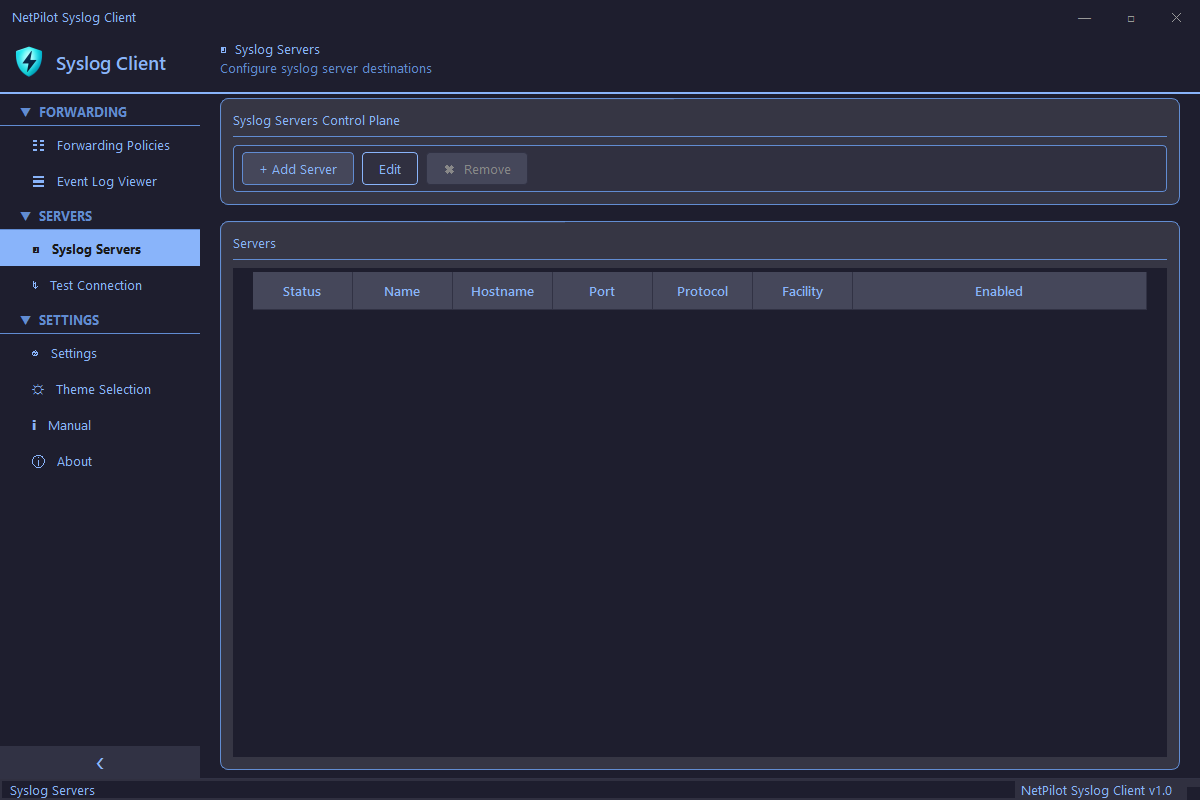
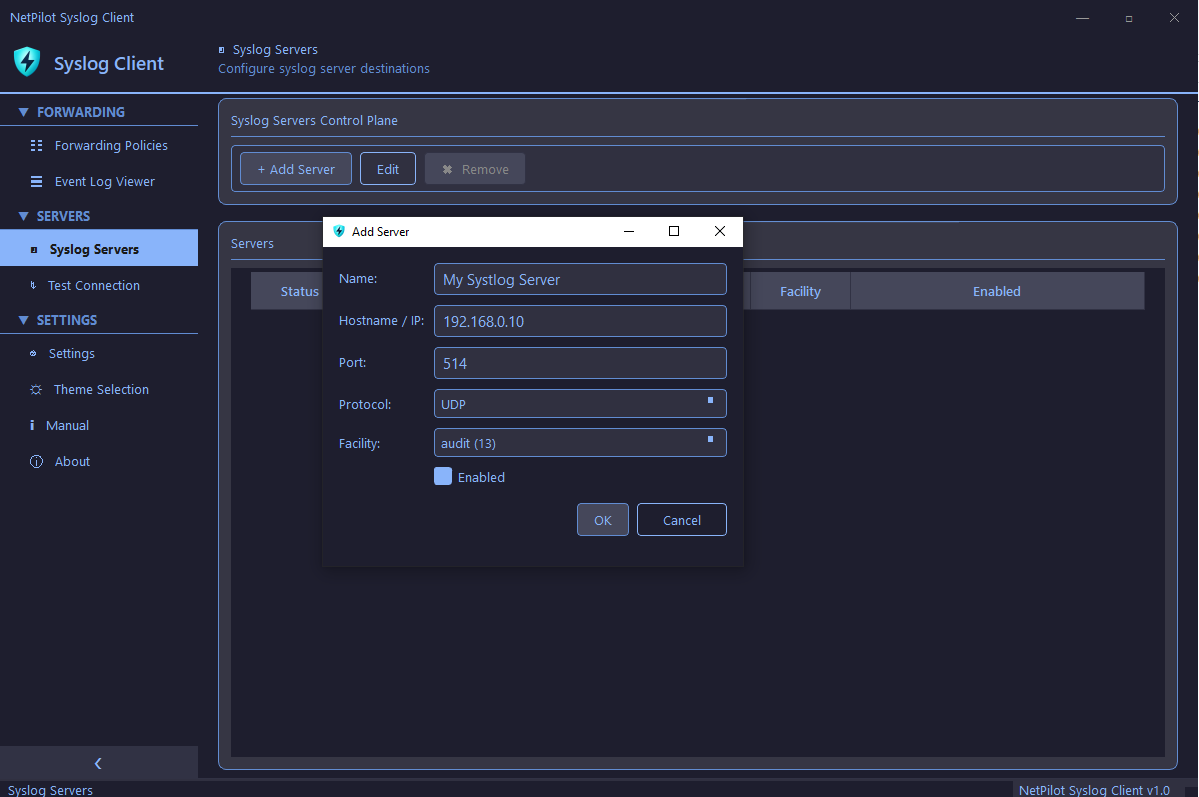
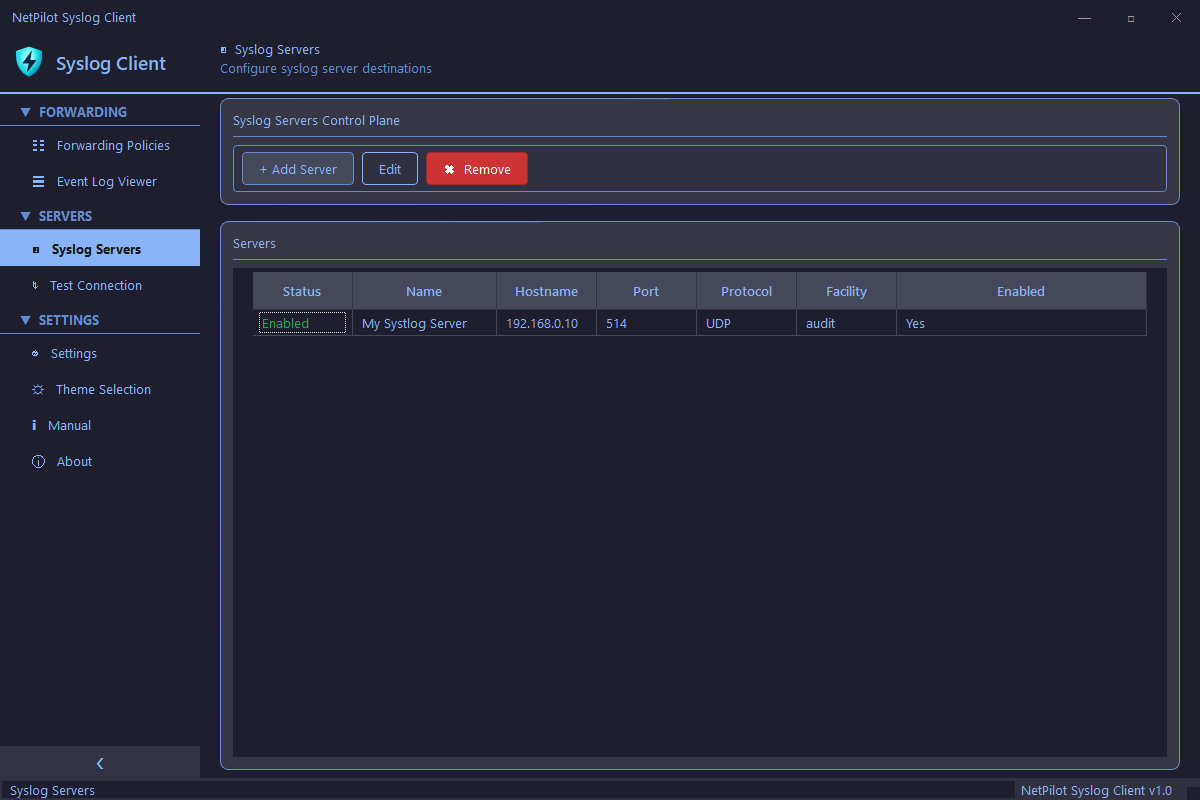
Configure and manage multiple syslog server destinations. Support for UDP, TCP, and TLS protocols with per-server settings and real-time connection monitoring.
- Add and manage multiple syslog servers
- UDP, TCP, and TLS protocol support
- Configurable port and syslog facility per server
- Per-server enable and disable toggle
- Connection status monitoring
Test Connection
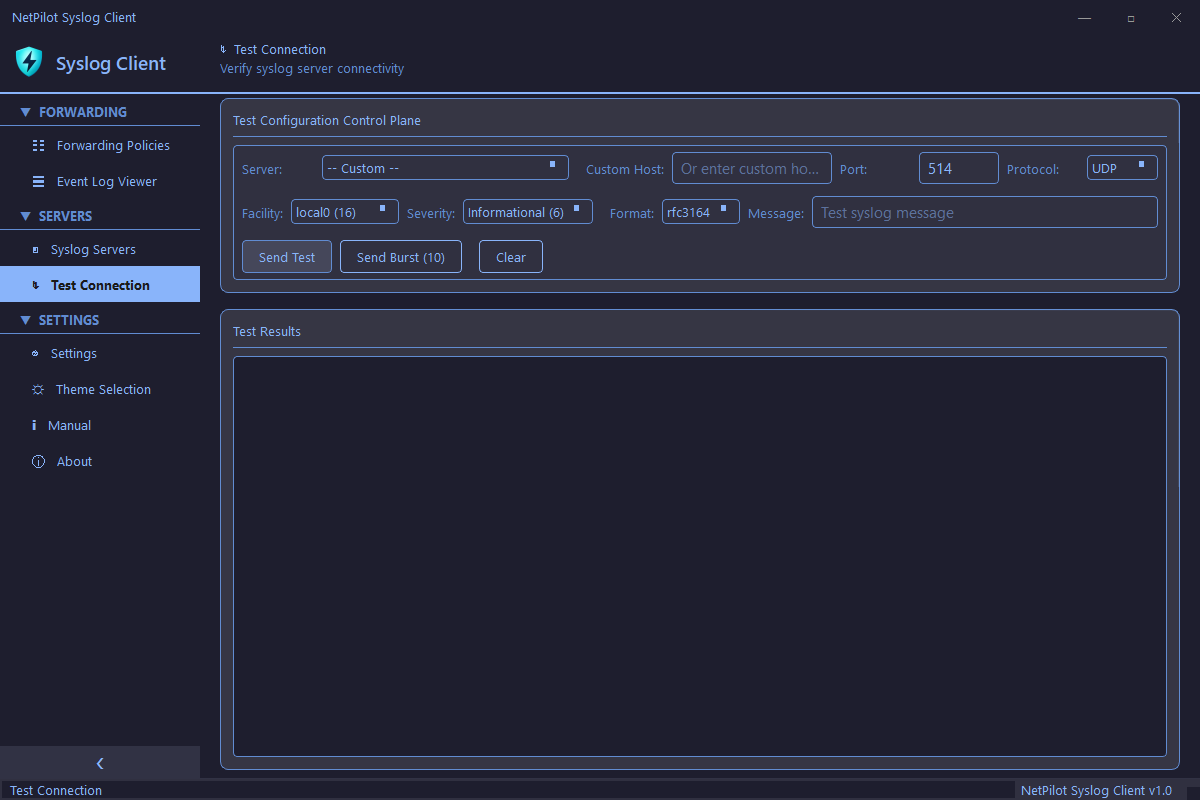
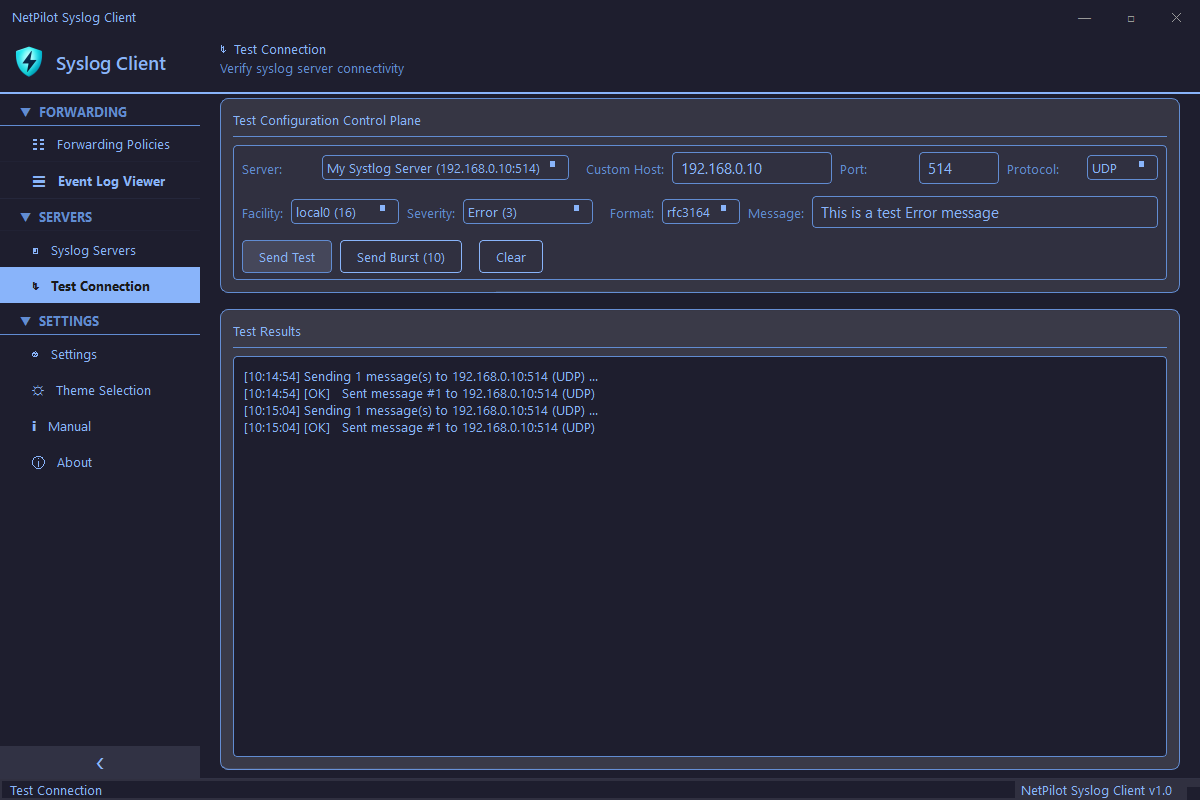
Verify syslog server connectivity before going live. Send individual test messages or burst 10 at once to confirm your forwarding pipeline is working end-to-end.
- Send test messages to any configured server
- Burst mode — send 10 messages at once
- Custom message text input
- Configurable facility, severity, and format
- Real-time test results log
Settings & Themes
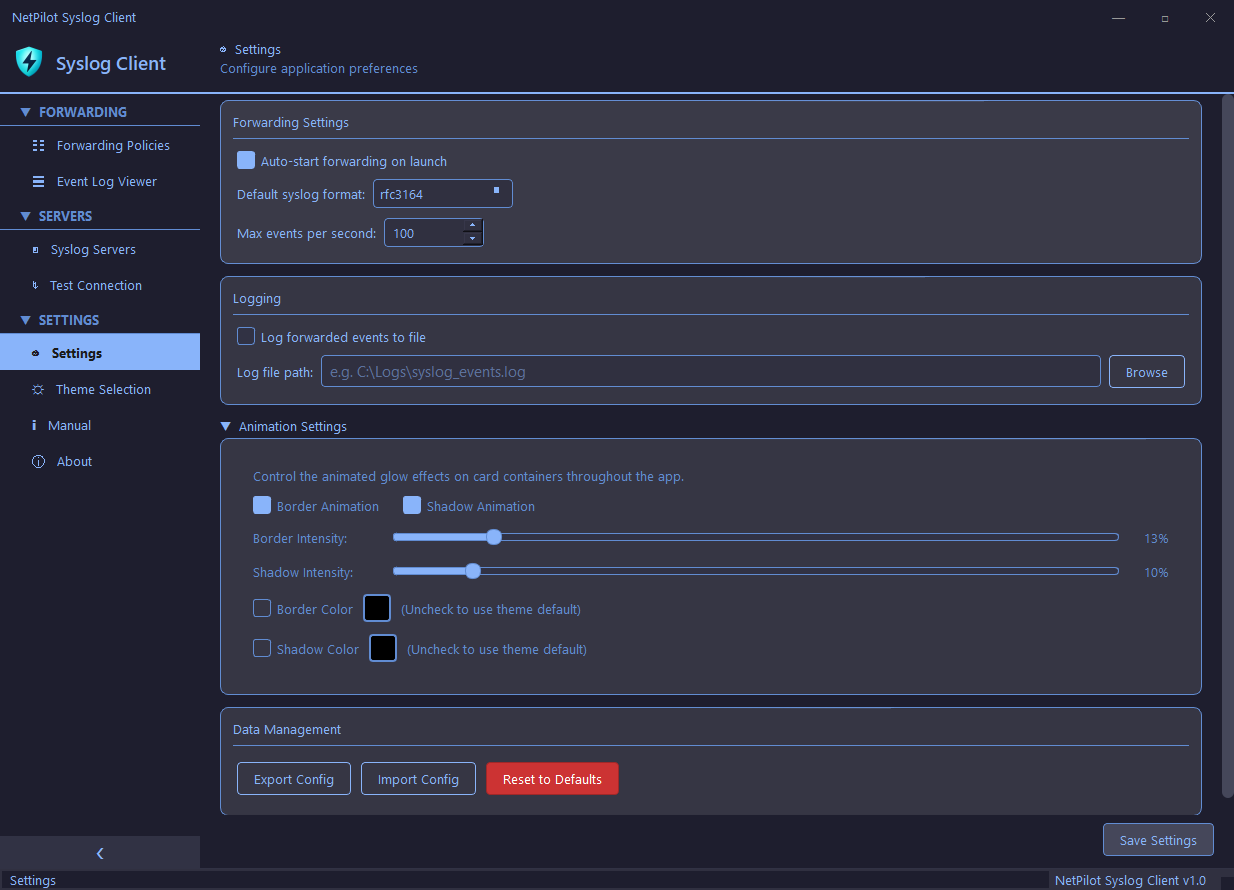
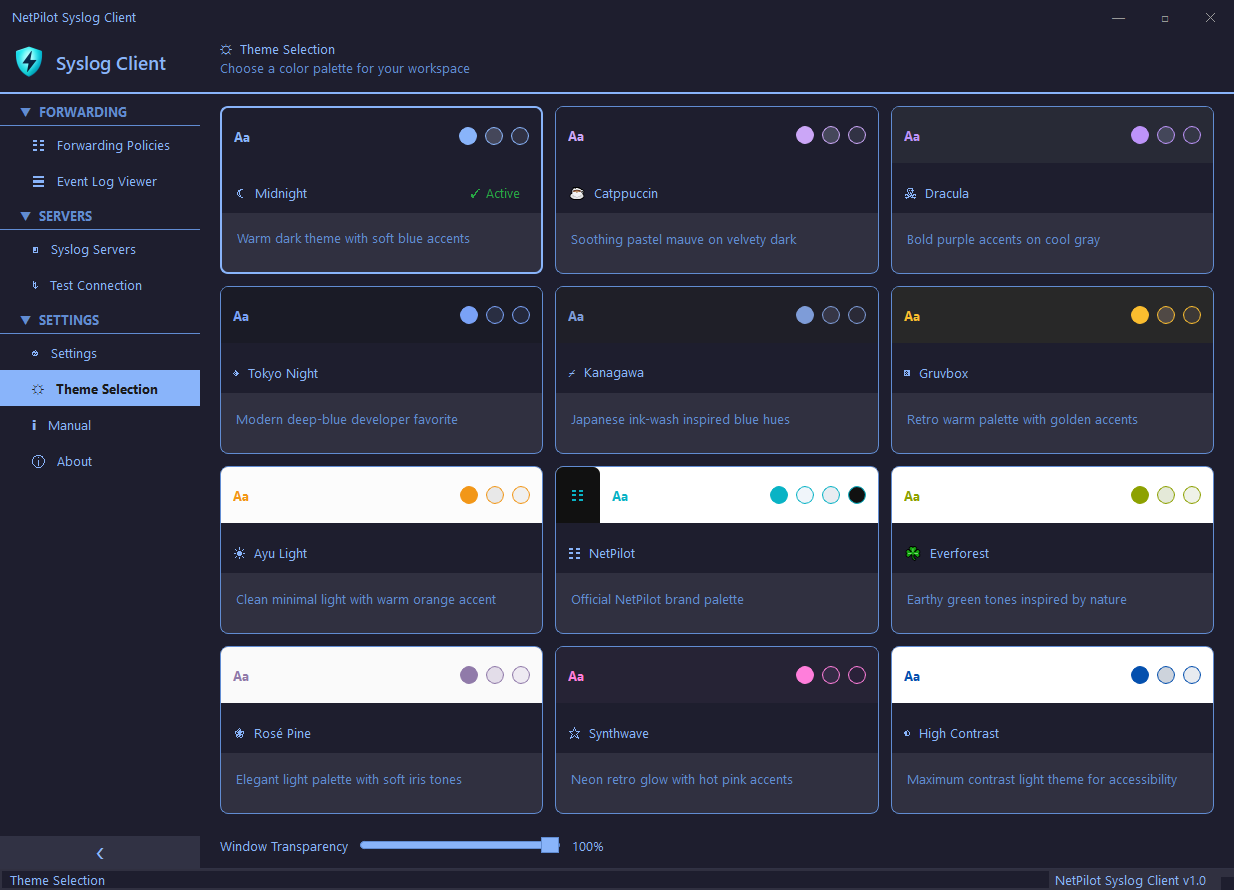
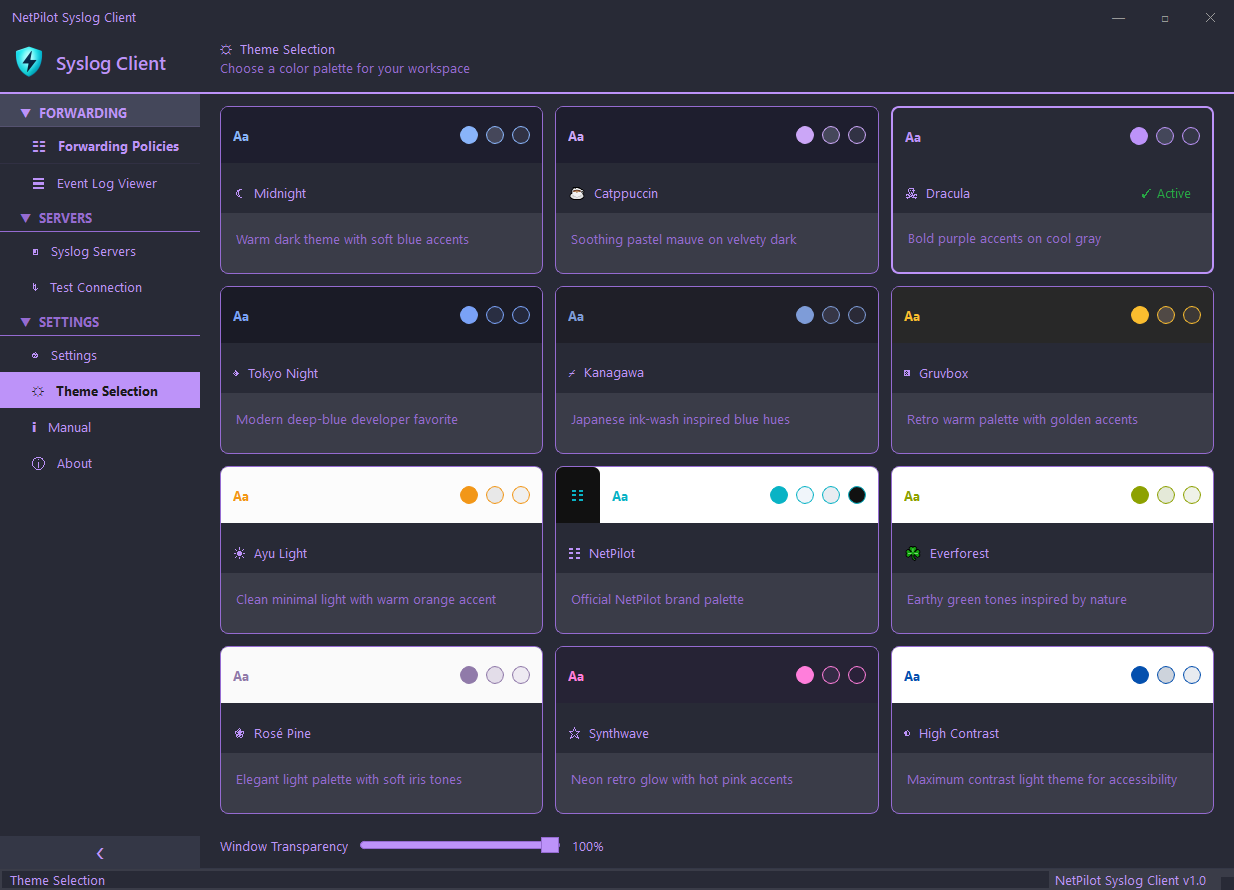
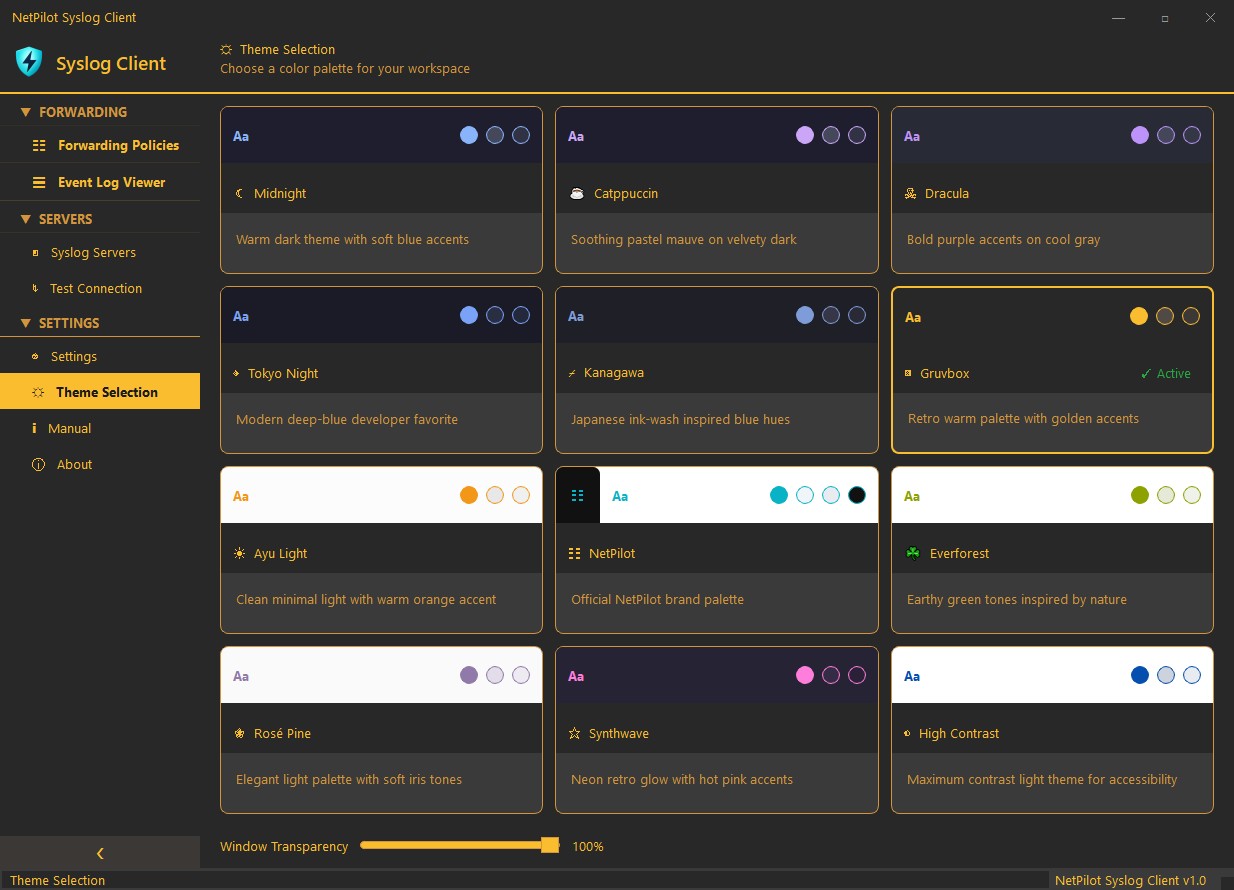
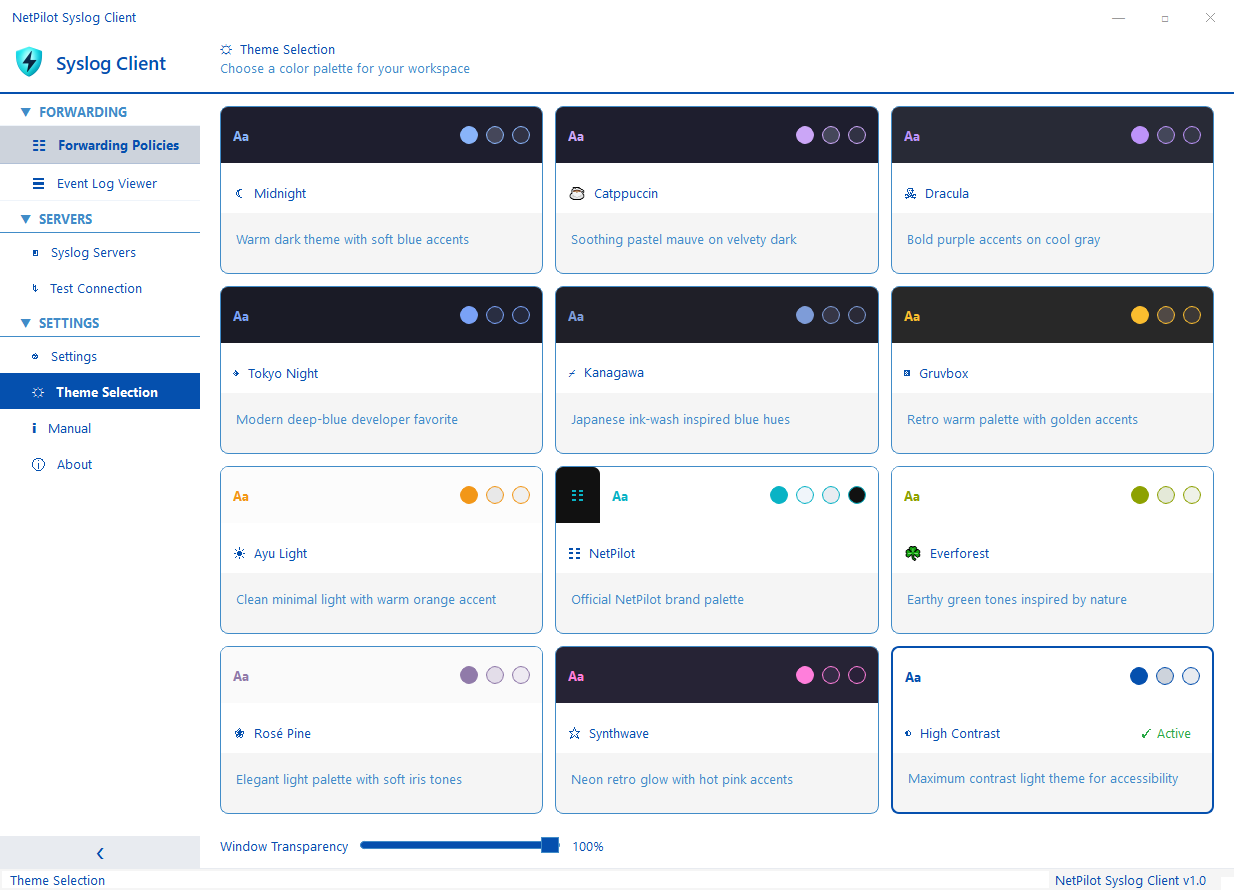
Customize the application with 12 built-in themes and configure advanced forwarding behavior including disk spooling, event bookmarking, and rate limiting.
- 12 themes (6 dark + 6 light)
- Configurable forwarding settings
- Disk spooling for reliability during server outages
- Event bookmarking for catch-up on restart
- Rate limiting with token bucket algorithm
Built-in Manual
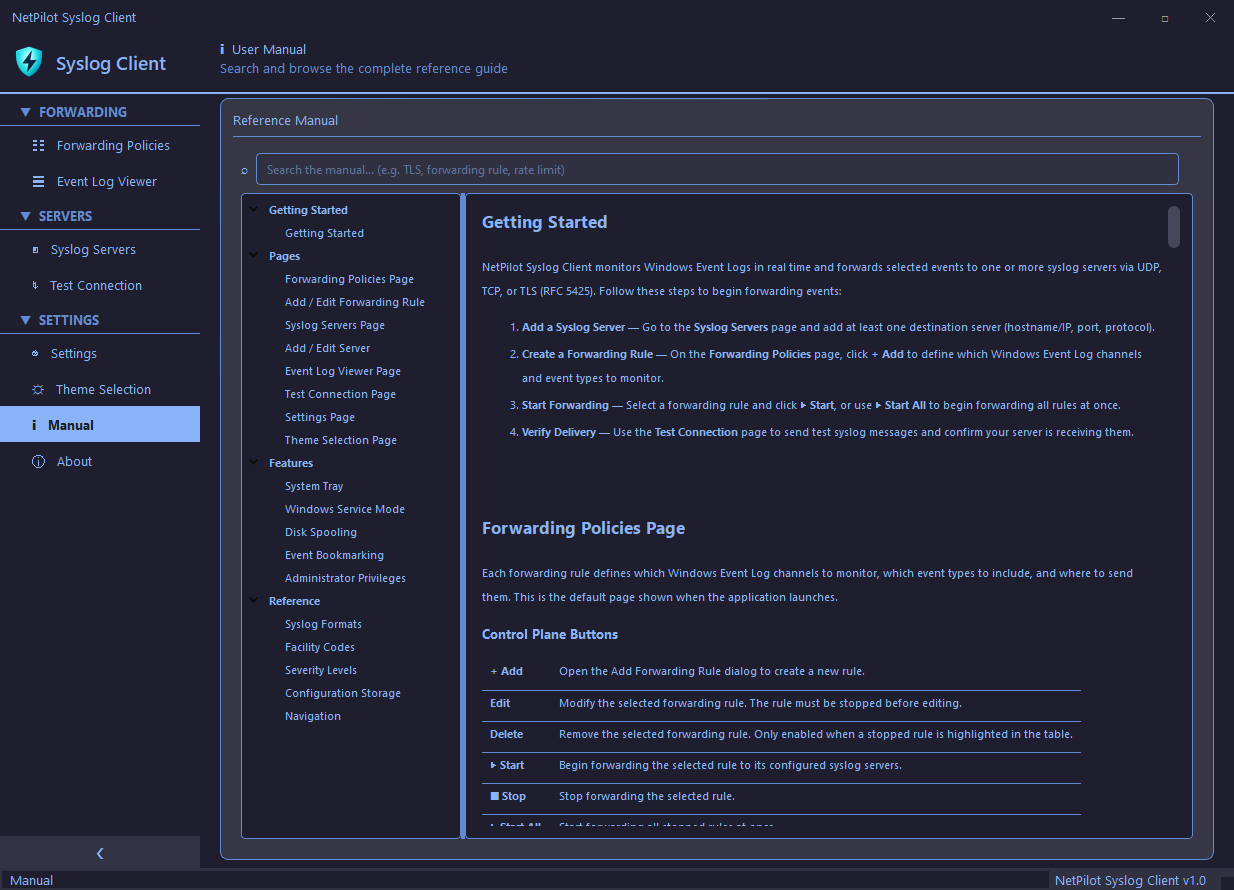
A searchable reference guide built right into the application. Get started quickly with step-by-step instructions for forwarding policies, server configuration, and more.
- Complete getting started guide
- Forwarding policies documentation
- Server configuration help
- Searchable content
- Always accessible from the sidebar
System Requirements
Frequently Asked Questions
Start Forwarding Events Today
Free download. No registration required. Works with any syslog server.