
Your Complete Networking Education
Built Right In.
CLI labs, quizzes, study guides, and interview prep — everything you need for CCNA, CCNP, and real-world networking. No separate subscription required.
Other CLI simulators charge $100+/year. NetPilot includes everything for $49 — once.
Cisco CLI Simulator
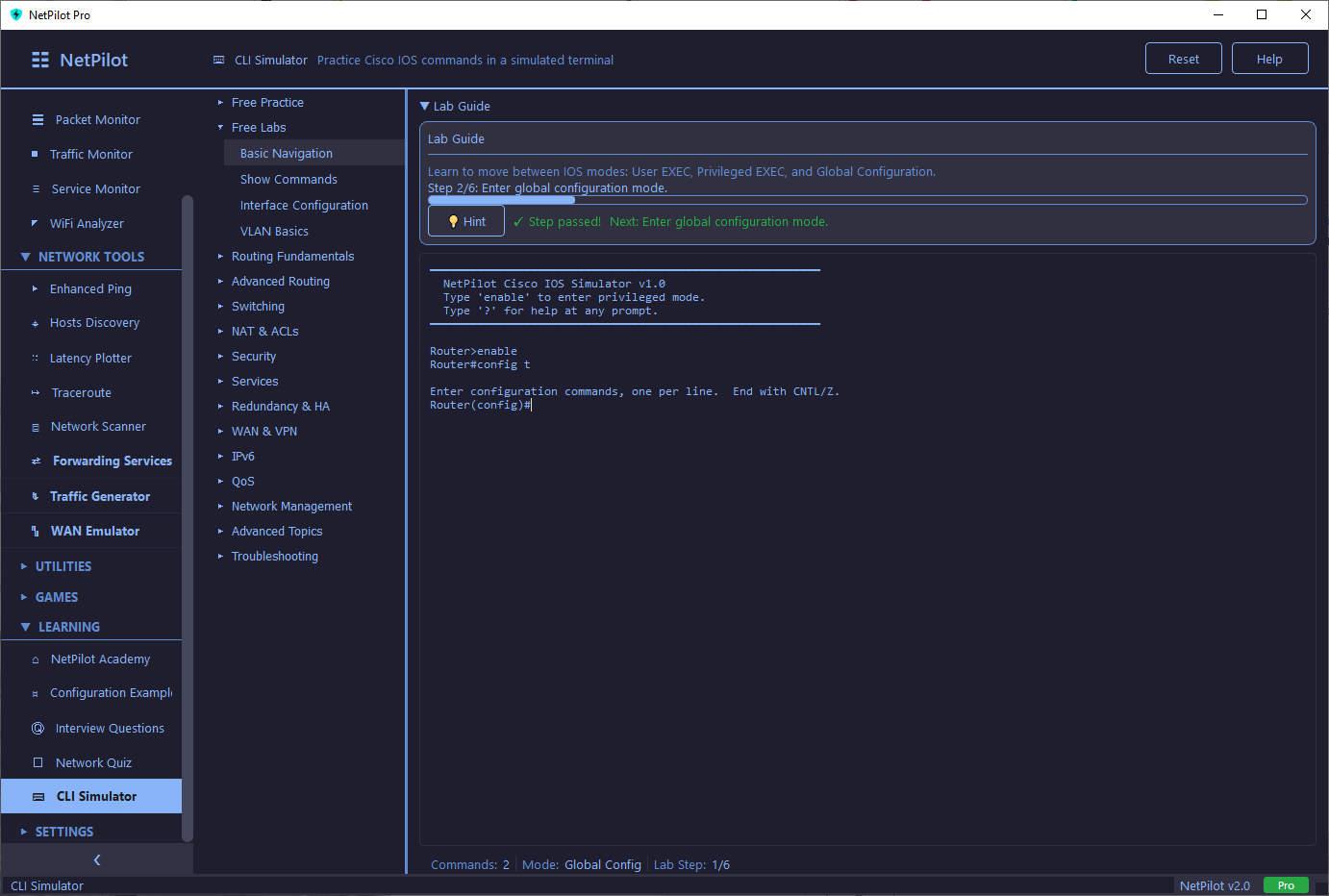
Practice real Cisco IOS commands in an interactive terminal with guided labs, a running configuration engine, and a free-form sandbox. No hardware required.
Step-by-Step Labs
126 guided exercises with clear objectives, per-step hints, progress tracking, and completion feedback. Each lab validates your commands in real time.
Sandbox Mode
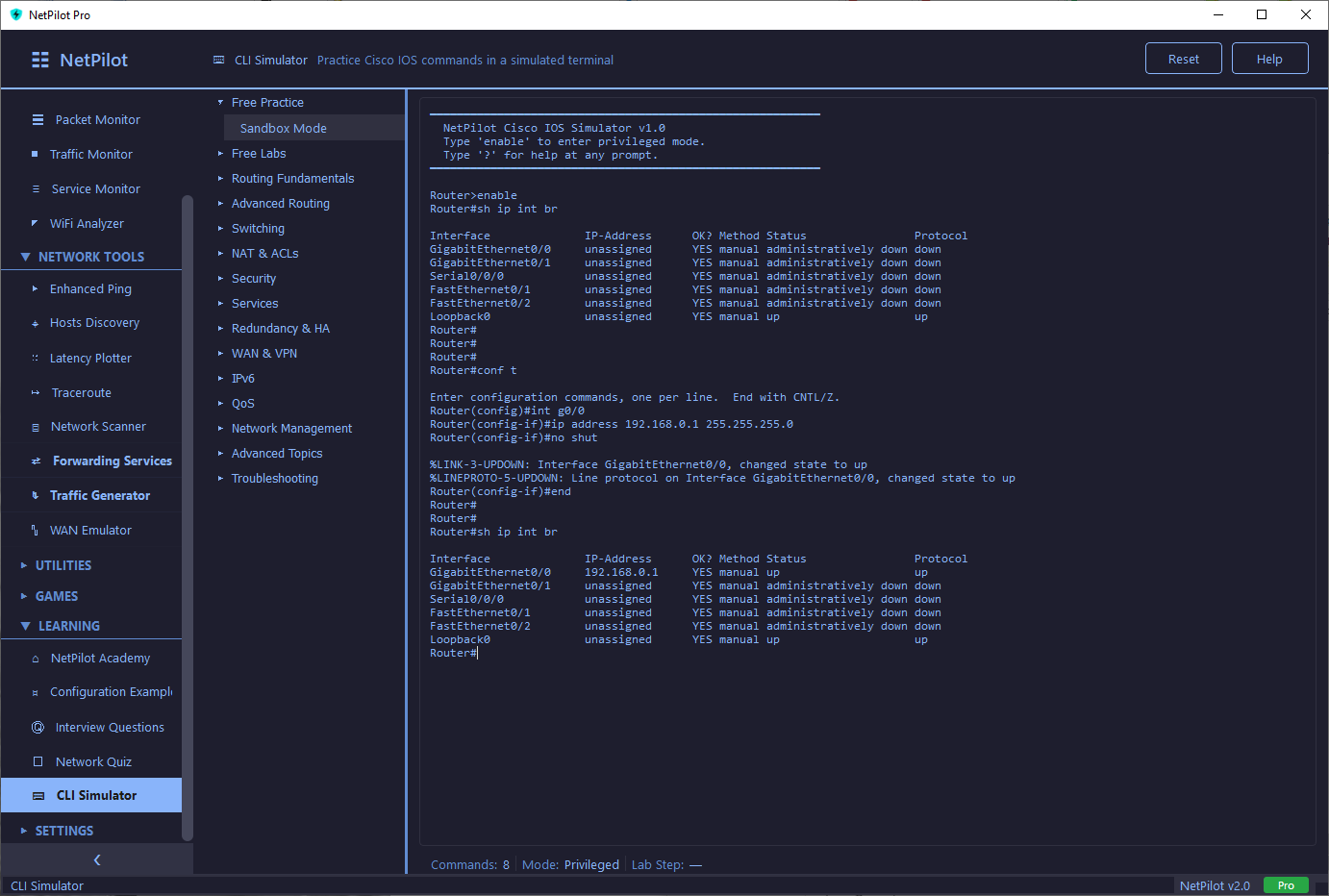
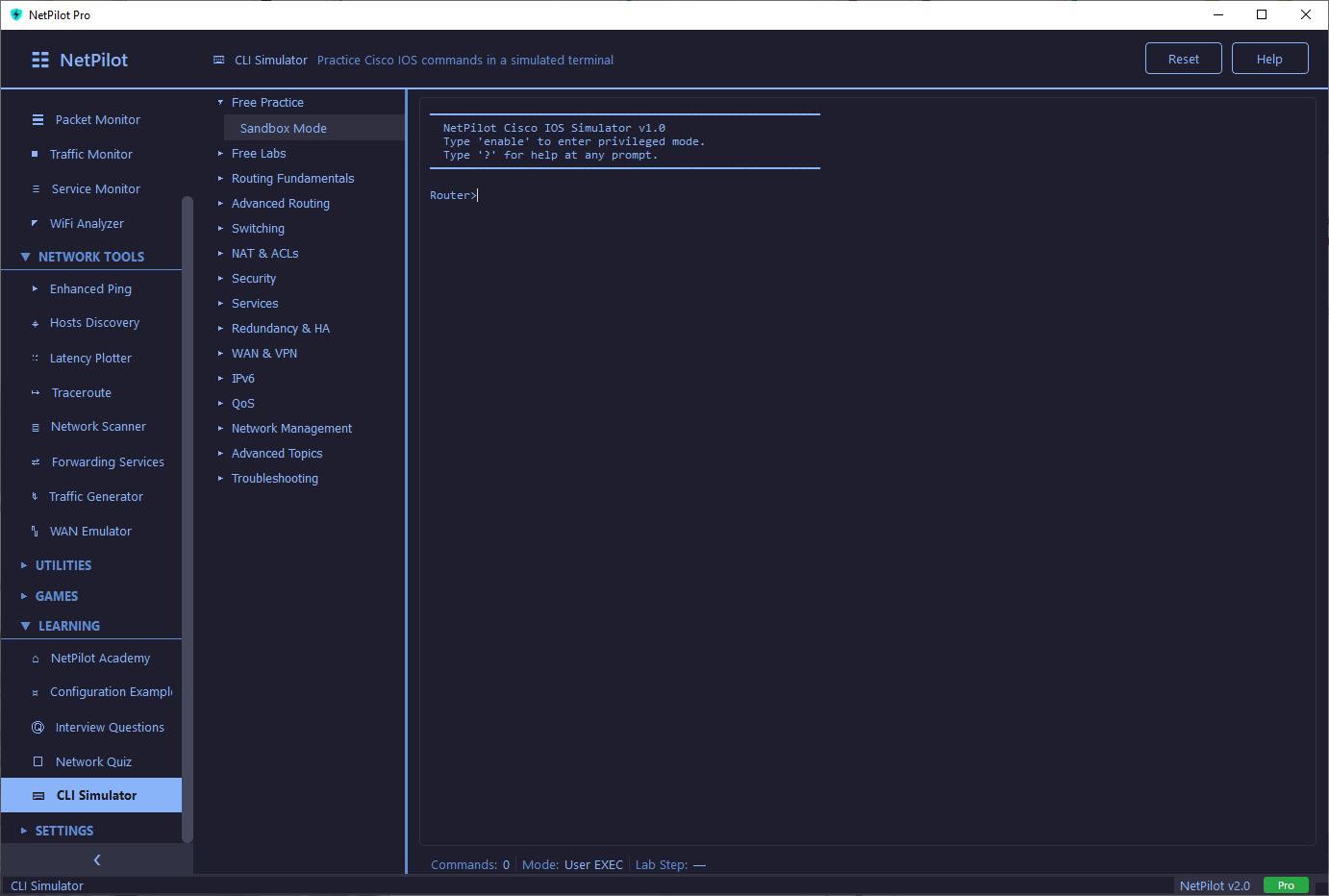
Free-form CLI exploration with no restrictions. Experiment with any command, explore all 15 modes, and build confidence at your own pace. Always free.
Real Cisco Syntax
Supports prefix abbreviations (sh ip ro = show ip route), case-insensitive input, and flexible interface names like real IOS.
Dynamic Show Commands
25+ show commands build output from live router state — show running-config reflects your actual changes, not a static template.
Tab Completion & Help
Tab autocompletes commands, ? shows context-sensitive help, and arrow keys navigate command history — just like a real console.
Running Config Engine
Maintains live state for interfaces, routes, ACLs, DHCP pools, NAT, and more. Your configuration changes persist across commands within each session.
13 Lab Categories
4 free labs + sandbox included in Lite. Pro unlocks all 122 additional labs across 13 categories.
Network Quiz
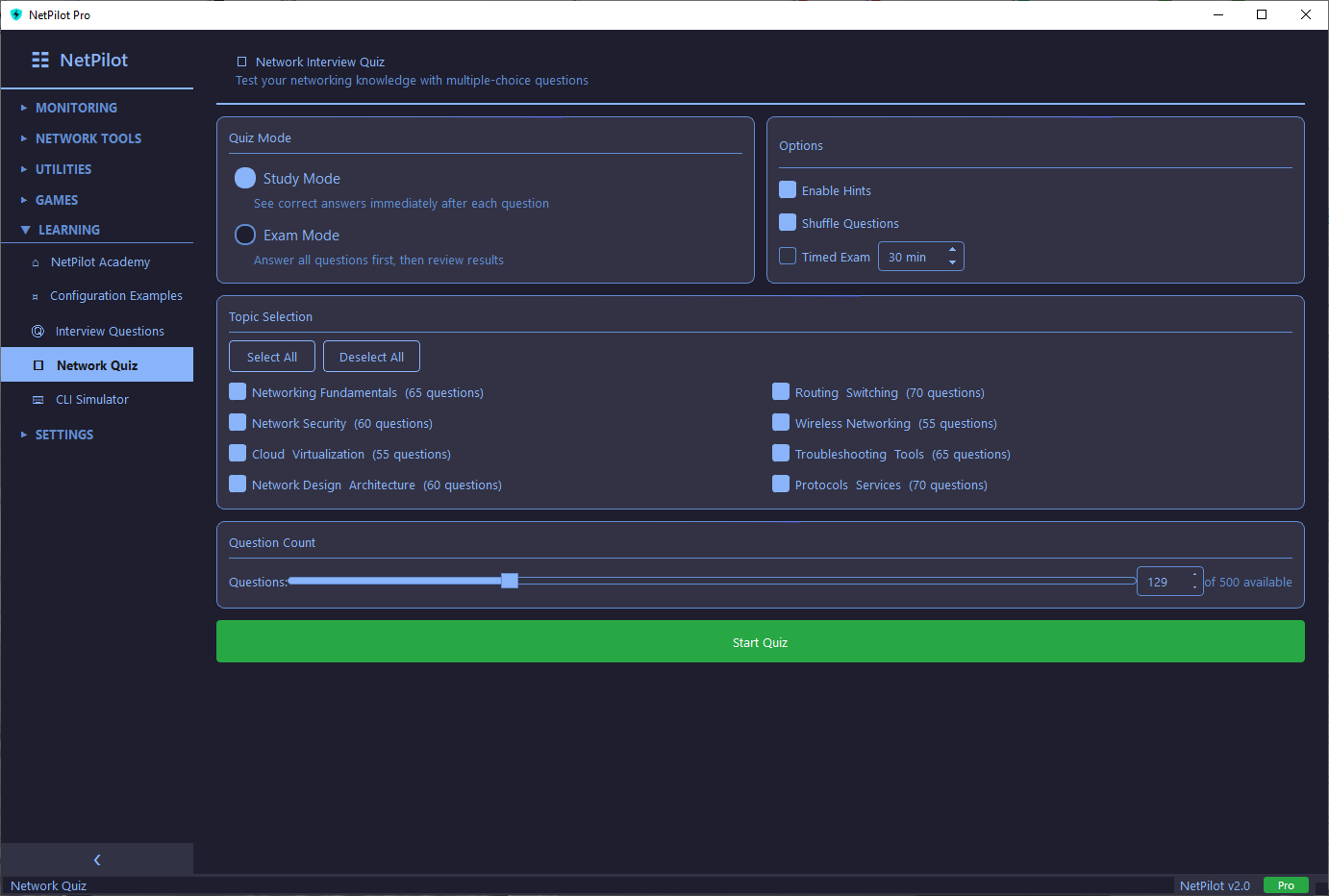
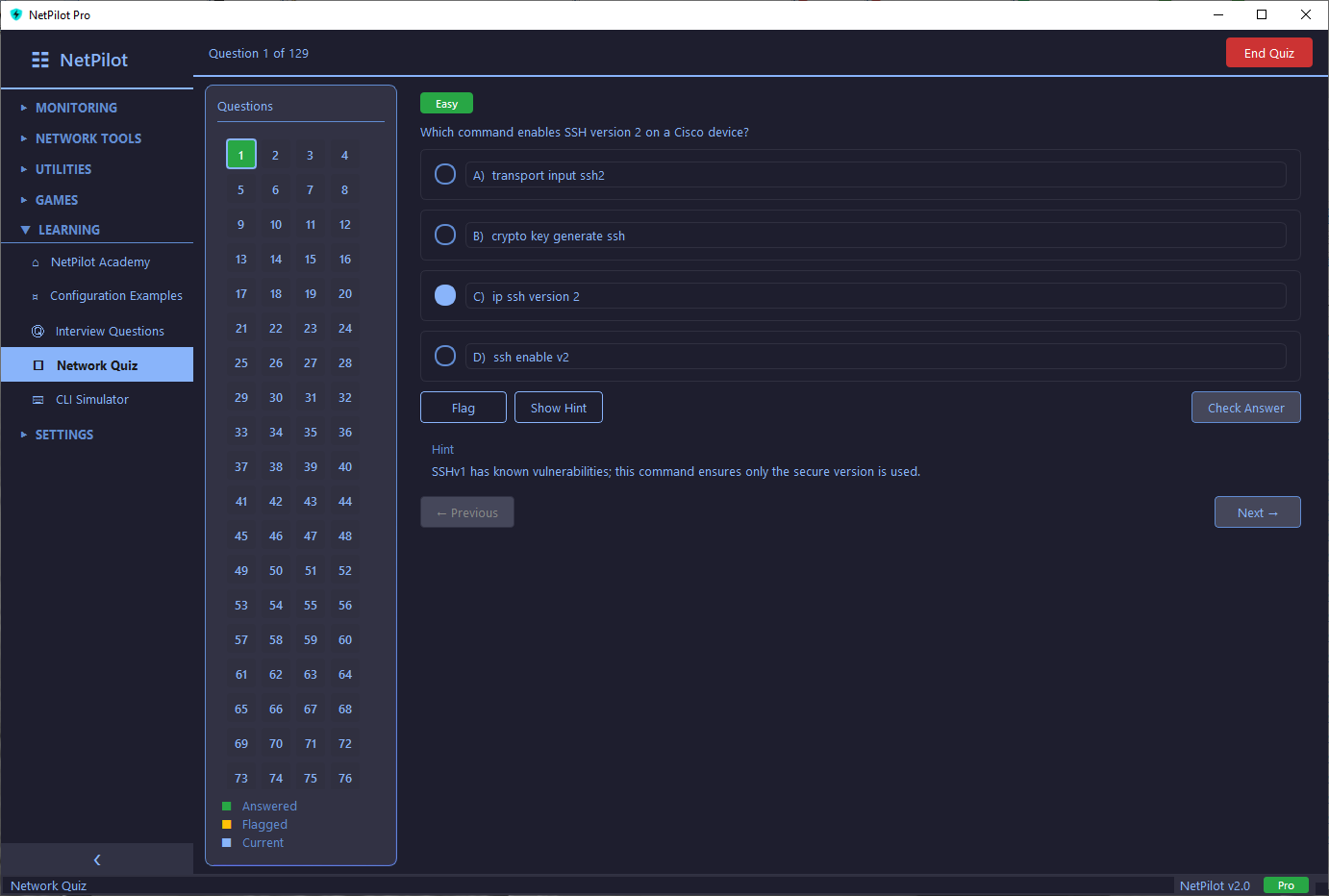
Test your networking knowledge with 500 multiple-choice questions covering CCNA and CCNP topics. Every question includes a detailed explanation and a strategic hint.
Two Study Modes
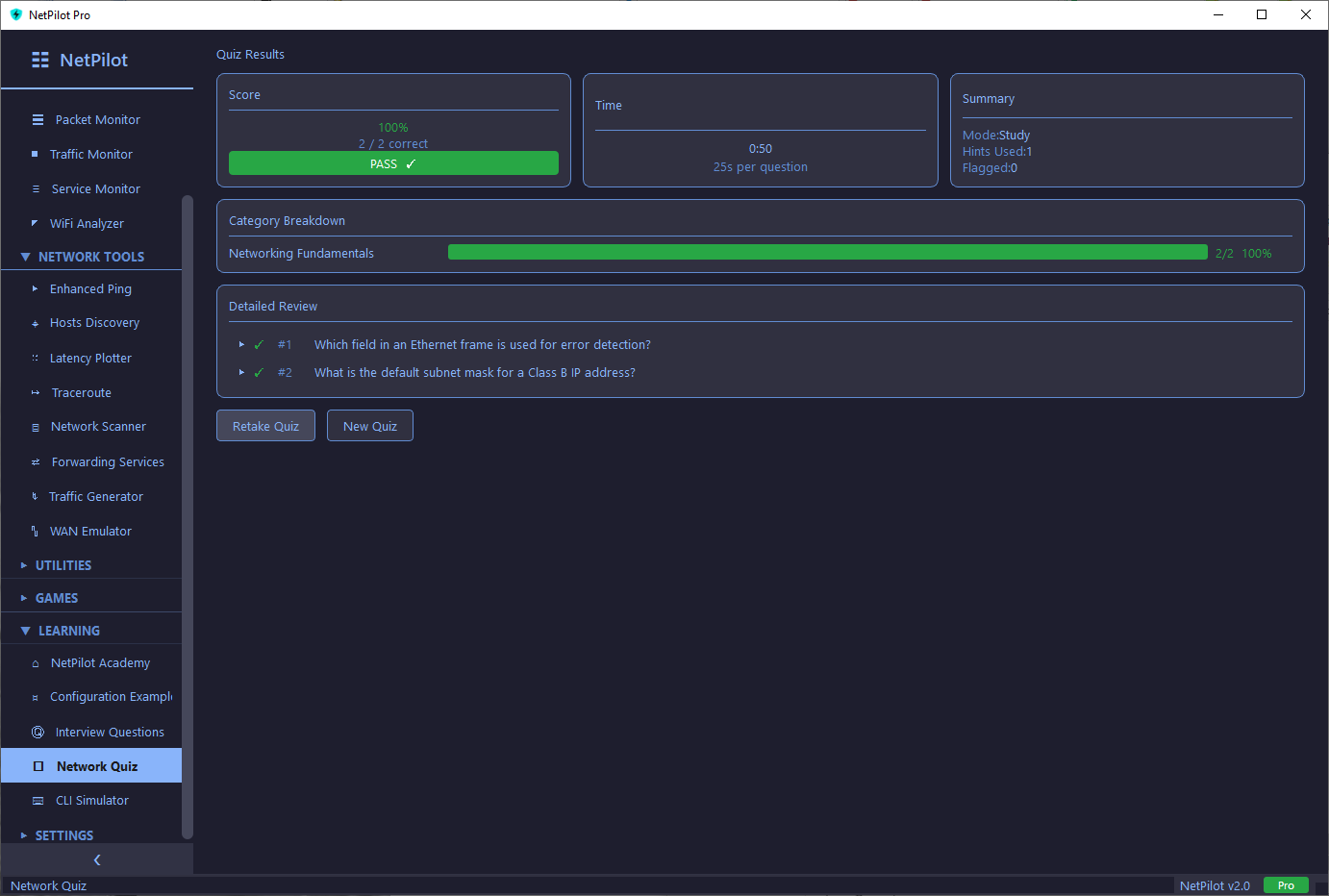
- Study Mode — See the correct answer and full explanation immediately after each question. Learn as you go.
- Exam Mode — Answer all questions first, then review your results. Optional timer for realistic exam pressure.
Features
- ✓ Customizable quiz length (1-200)
- ✓ Difficulty ratings per question
- ✓ Shuffle mode (Pro)
- ✓ Timed exams (Pro)
- ✓ Flag questions for review
- ✓ Visual navigation grid
- ✓ Hints on every question
- ✓ Score tracking & history
8 Question Categories
1 free category in Lite (Networking Fundamentals, 65 questions). Pro unlocks all 500 across 8 categories + timed exams + shuffle.
NetPilot Academy
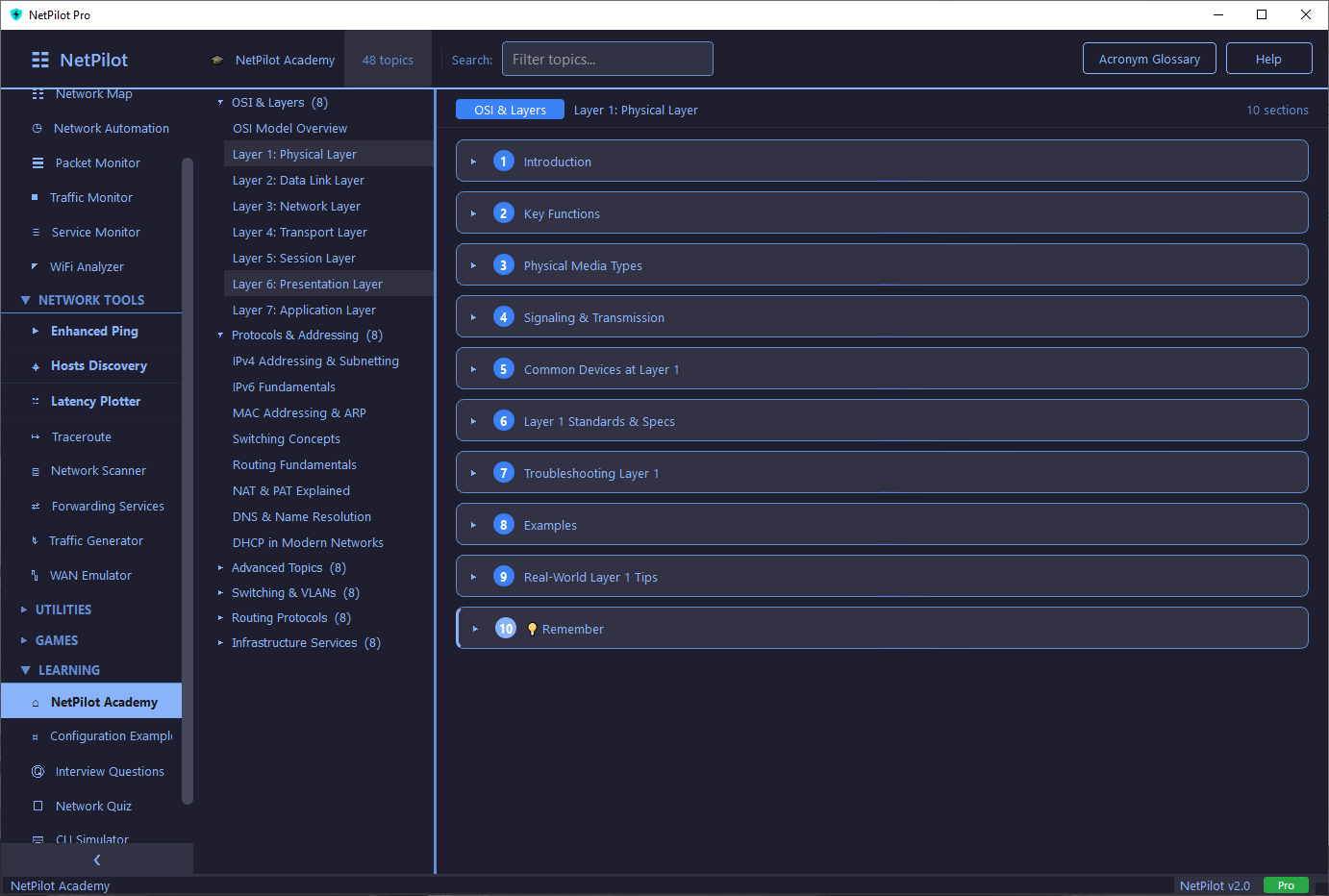
A built-in documentation browser covering networking from Layer 1 physical through enterprise routing, security, and automation. Every topic is structured with clear sections, practical examples, and real-world context. Includes a 150+ entry acronym glossary.
6 Topic Categories
- OSI & Layers — 8 topics (OSI Model, Physical, Data Link, Network, Transport, Session, Presentation, Application)
- Protocols & Addressing — 8 topics (IPv4, IPv6, ARP, Switching, Routing, NAT/PAT, DNS, DHCP)
- Advanced Topics — 8 topics (TCP/IP, Security, Wireless, Troubleshooting, Cloud, Topologies)
- Switching & VLANs — 8 topics (VLANs, STP, RSTP, EtherChannel, Port Security, Private VLANs)
- Routing Protocols — 8 topics (OSPF, EIGRP, BGP, Redistribution, HSRP/VRRP/GLBP, VRF, GRE/DMVPN)
- Infrastructure Services — 8 topics (ACLs, QoS, IP SLA, WAN/MPLS, Automation, Route Filtering, IPv6 Migration)
First 3 categories free in Lite (~24 topics). Pro unlocks all 49 topics + acronym glossary.
Interview Questions
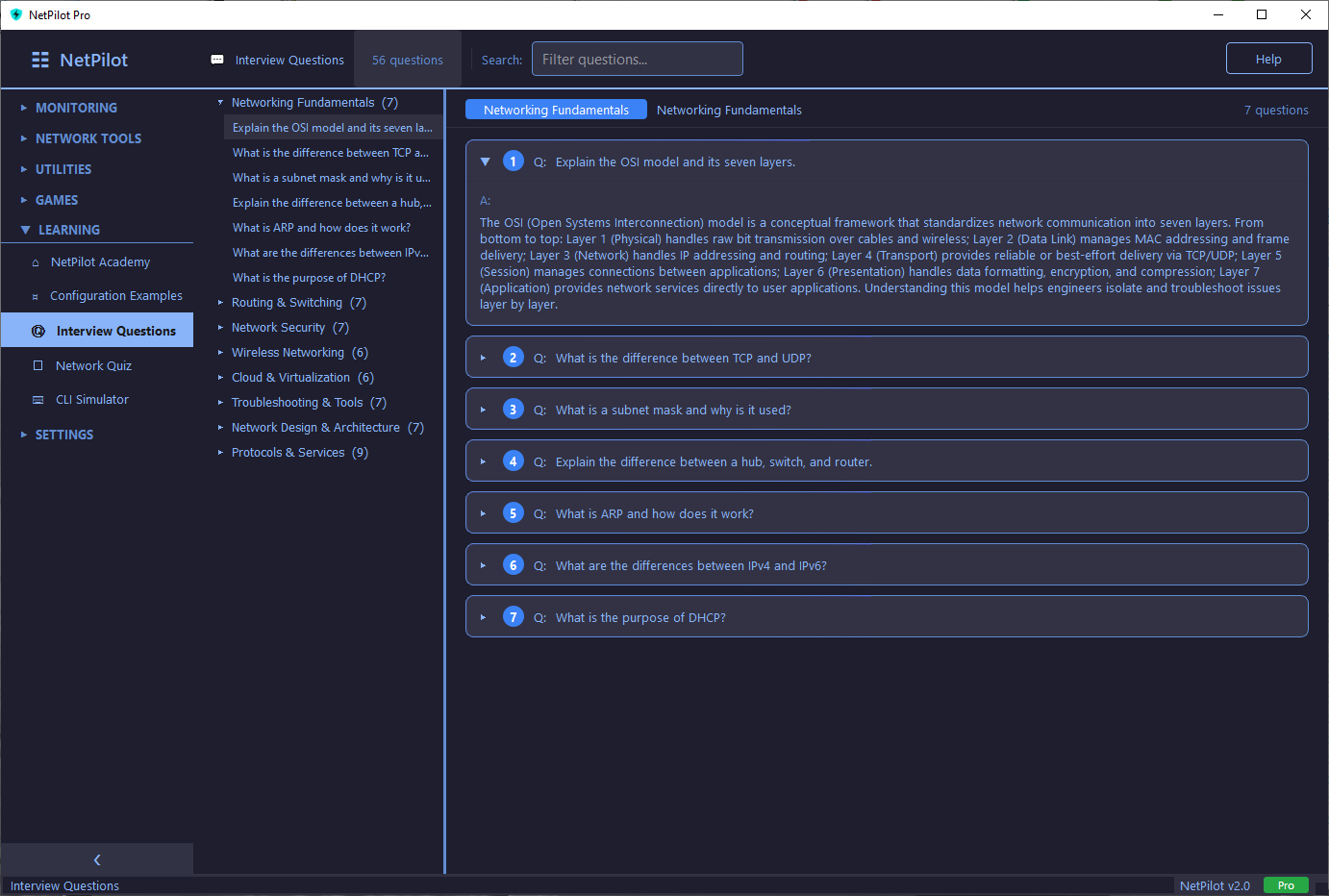
Prepare for networking job interviews with 200 in-depth Q&A pairs written at a senior engineer level. Each answer runs 200-400 words with practical examples, real-world context, and the reasoning behind each concept — not just textbook definitions.
8 Categories
Pro unlocks all 200 Q&As across 8 categories. All categories locked in Lite.
Configuration Examples
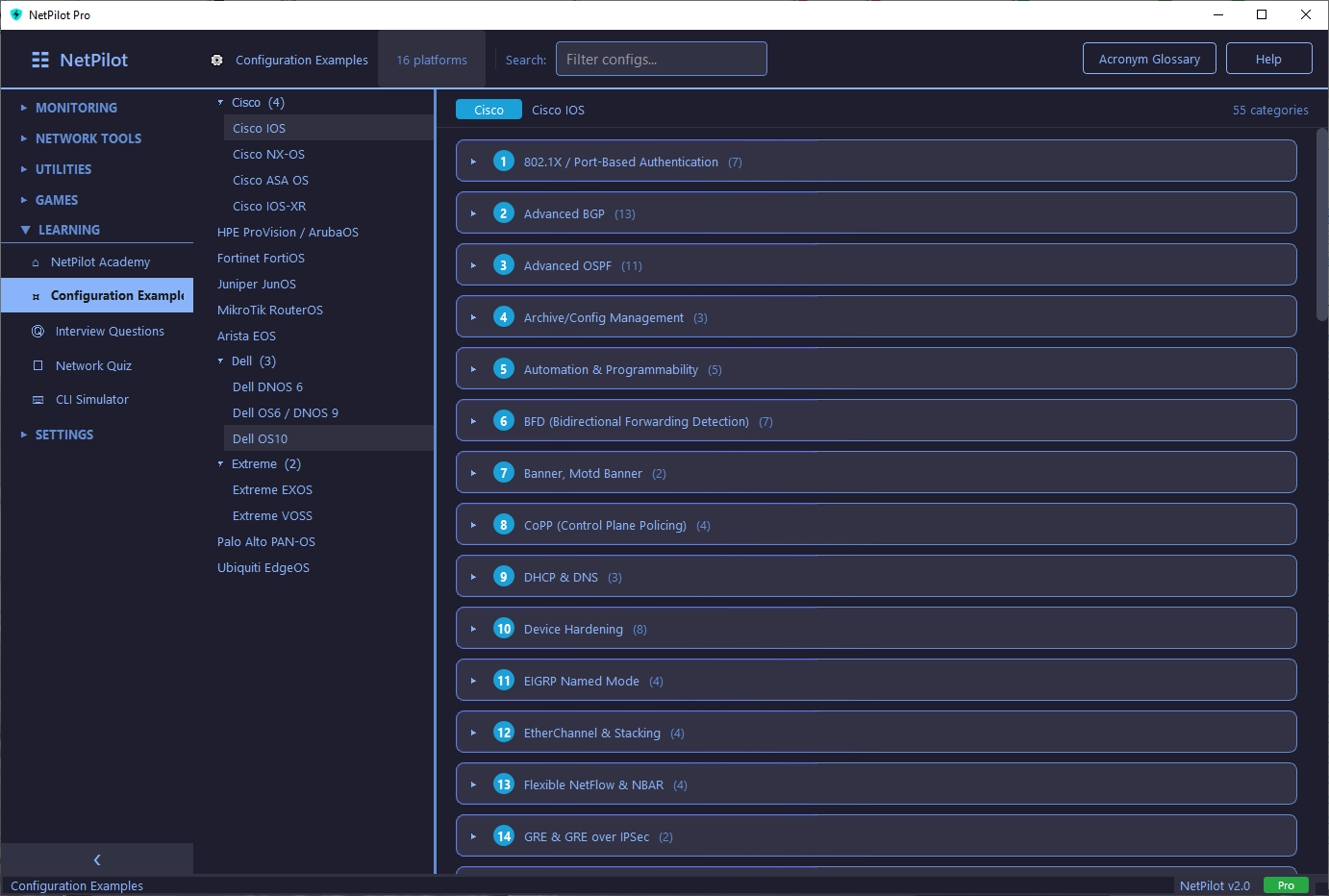
Ready-to-use configuration templates for Cisco IOS/IOS-XE, Juniper JunOS, and MikroTik RouterOS. Copy, adapt, and deploy — no more building configs from scratch. Every template includes annotations explaining what each section does.
- ✓ Cisco IOS & IOS-XE configuration templates
- ✓ Juniper JunOS examples
- ✓ MikroTik RouterOS examples
- ✓ Copy-paste ready with inline annotations
How NetPilot Compares
Everything you need in one app, at a fraction of the cost.
| Feature | NetPilot Pro | Boson NetSim | Packet Tracer |
|---|---|---|---|
| Price | $49 once | $100+/year | Free (limited) |
| CLI Labs | 126 | ~100 | Varies |
| Quiz Questions | 500 | — | — |
| Study Guide / Docs | 49 topics | — | — |
| Interview Prep | 200 Q&As | — | — |
| Sandbox Mode | ✓ | — | ✓ |
| Network Diagnostic Tools | 39 tools | — | Limited |
| Lifetime Updates | ✓ | Annual renewal | ✓ |
| Works Offline | ✓ | ✓ | ✓ |
Frequently Asked Questions
Start Learning Today
Try 4 free CLI labs, 65 quiz questions, and 24 Academy topics — no account required. Unlock everything with Pro.