Network tools. Practical training.

Work smarter with
NetPilot.

Professional network tools for Windows and focused networking practice for iPhone, iPad, and Mac — now available on the App Store.

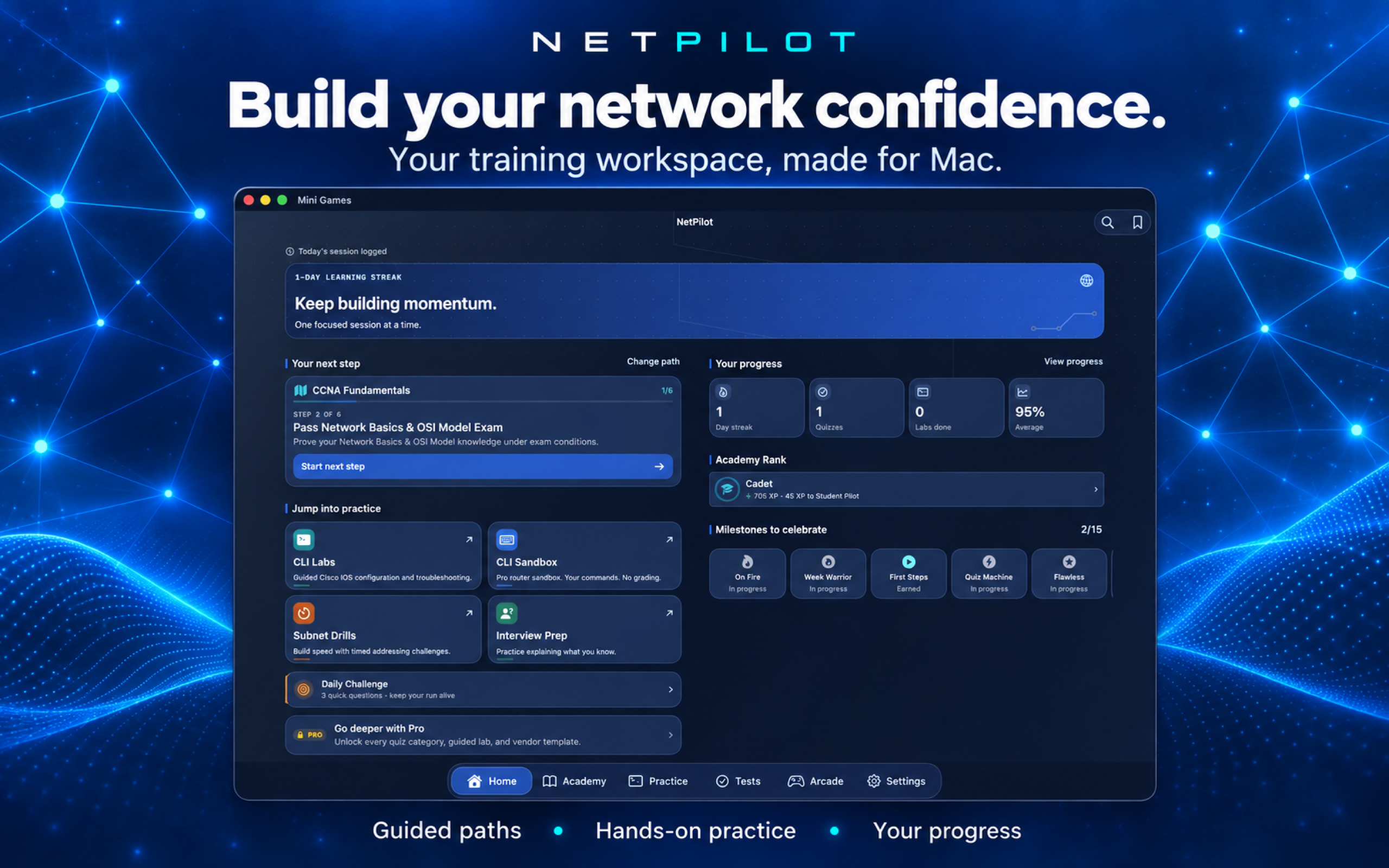
NetPilot Academy home screen running on Mac
Academy for MacA focused learning workspace for lessons, practice, tests, and progress.
The NetPilot family

Choose the experience that fits your workflow.

Two products, one goal: help you understand, practice, and solve networking problems with confidence.

Windows
Available now

NetPilot Toolkit

A complete desktop toolkit for diagnostics, monitoring, scanning, automation, and network learning.

  • 40+ professional network tools
  • Built-in learning and arcade tools
  • Windows 10 and 11
Windows downloads
Apple
Available now

NetPilot Academy

A guided CCNA and CCNP training workspace for iPhone, iPad, and Mac, built around practical networking study.

  • Academy lessons and CLI Simulator
  • Tests, review, and progress tracking
  • Arcade games and study tools
View on the App Store
2
Product platforms
40+
Windows tools
49
Academy topics
10+
Arcade games
NetPilot Academy

Learn the concepts. Practice the commands. Test your understanding.

A consistent CCNA and CCNP training experience on iPhone, iPad, and Mac, with hands-on CLI simulation at the center.

01

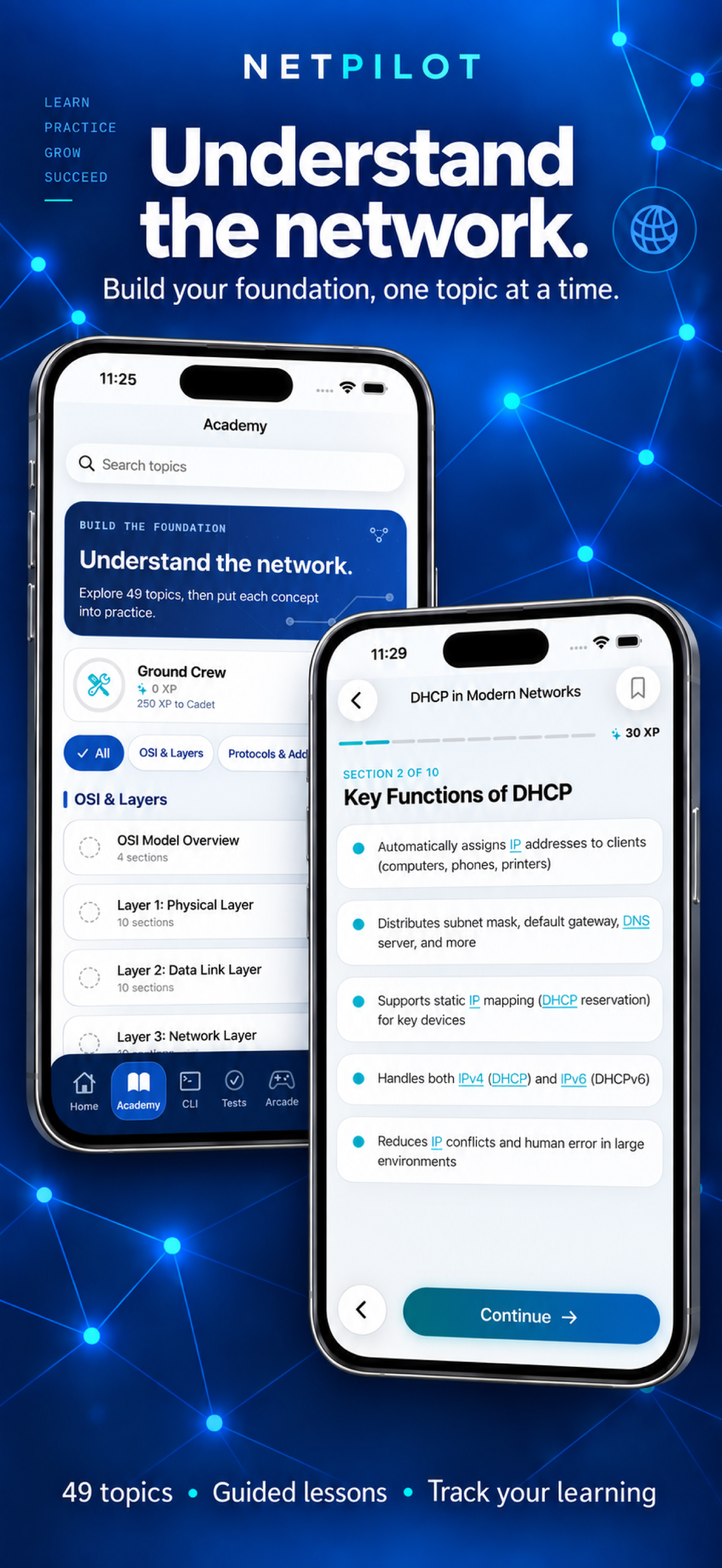
Academy

Build a foundation from the OSI model through addressing, switching, routing, and automation.

02

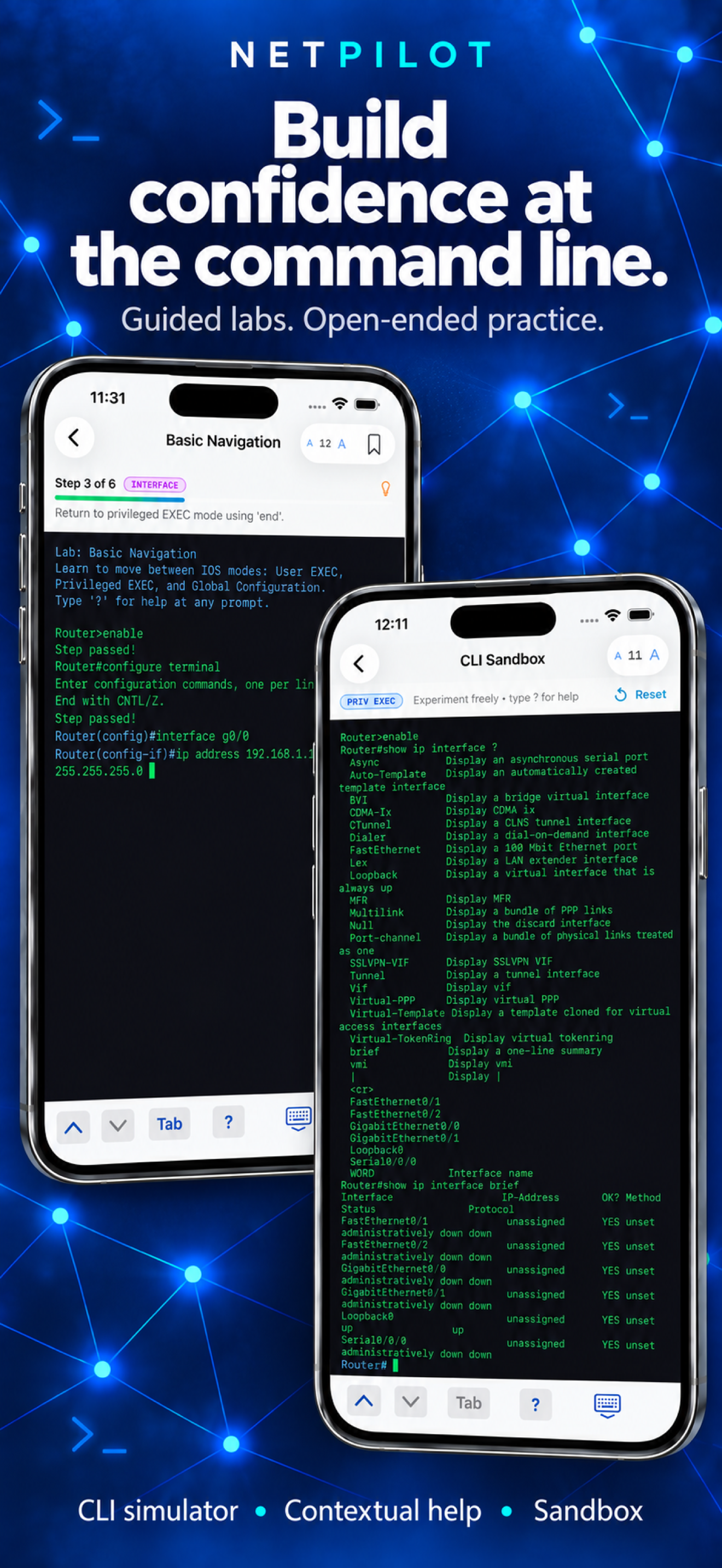
CLI Simulator

Work through guided Cisco-style labs, reference commands, subnet drills, and a router-style sandbox.

03

Tests

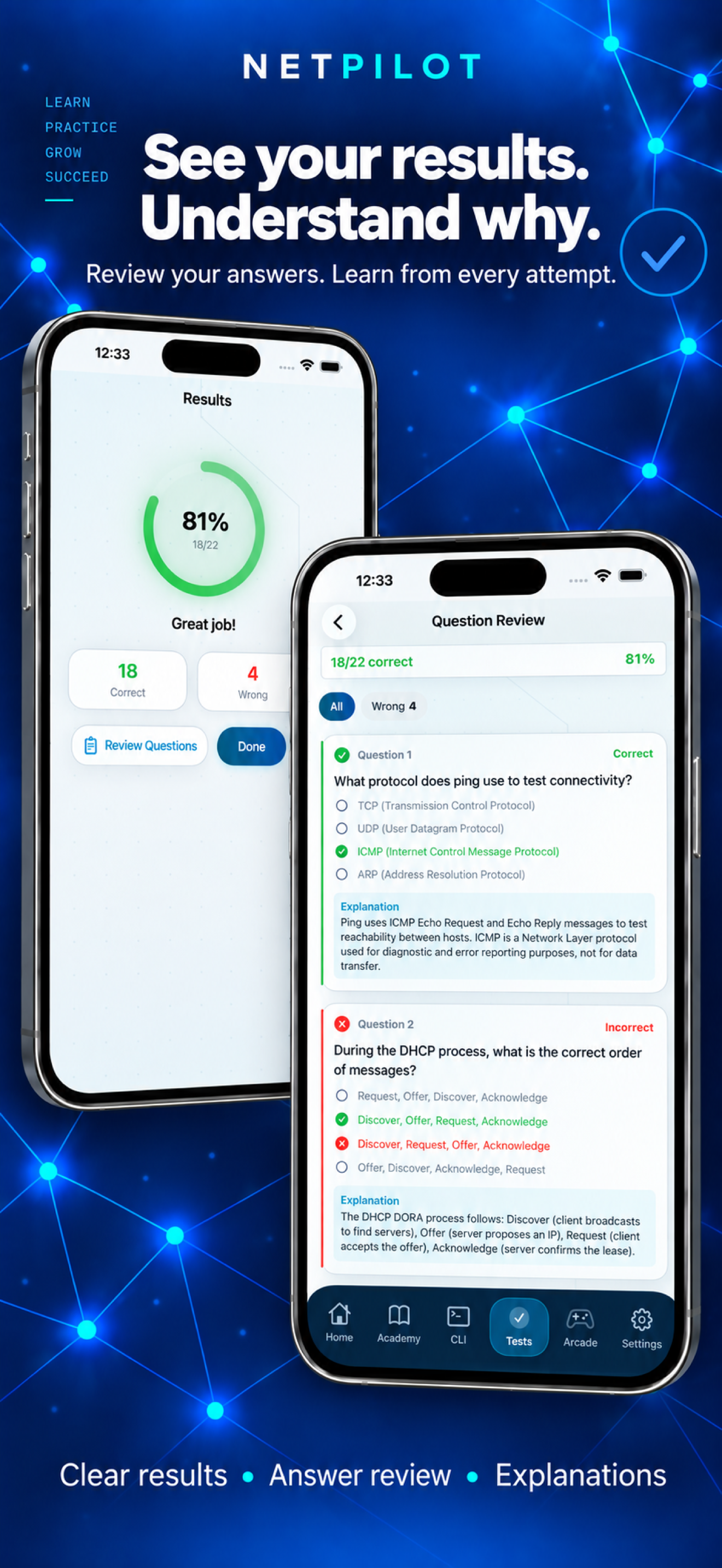
Study with explanations, take exam practice, and review every result to reinforce weak areas.

04

Progress

Keep your sessions, milestones, themes, and achievements visible as your skills grow.

NetPilot Toolkit for Windows

A serious toolbox for the workday.

When you need hands-on diagnostics and monitoring, the Windows toolkit puts the essentials in one focused desktop application.

Network

Diagnose

Ping, trace, inspect DNS, scan networks, calculate subnets, and troubleshoot from one workspace.

Explore network tools
Monitoring

Monitor

Map devices, watch connections, inspect packets, and observe traffic as it moves through your network.

Explore monitoring
Automation

Build and automate

Use configuration helpers, automation tools, syslog support, and repeatable workflows for everyday operations.

Explore utilities
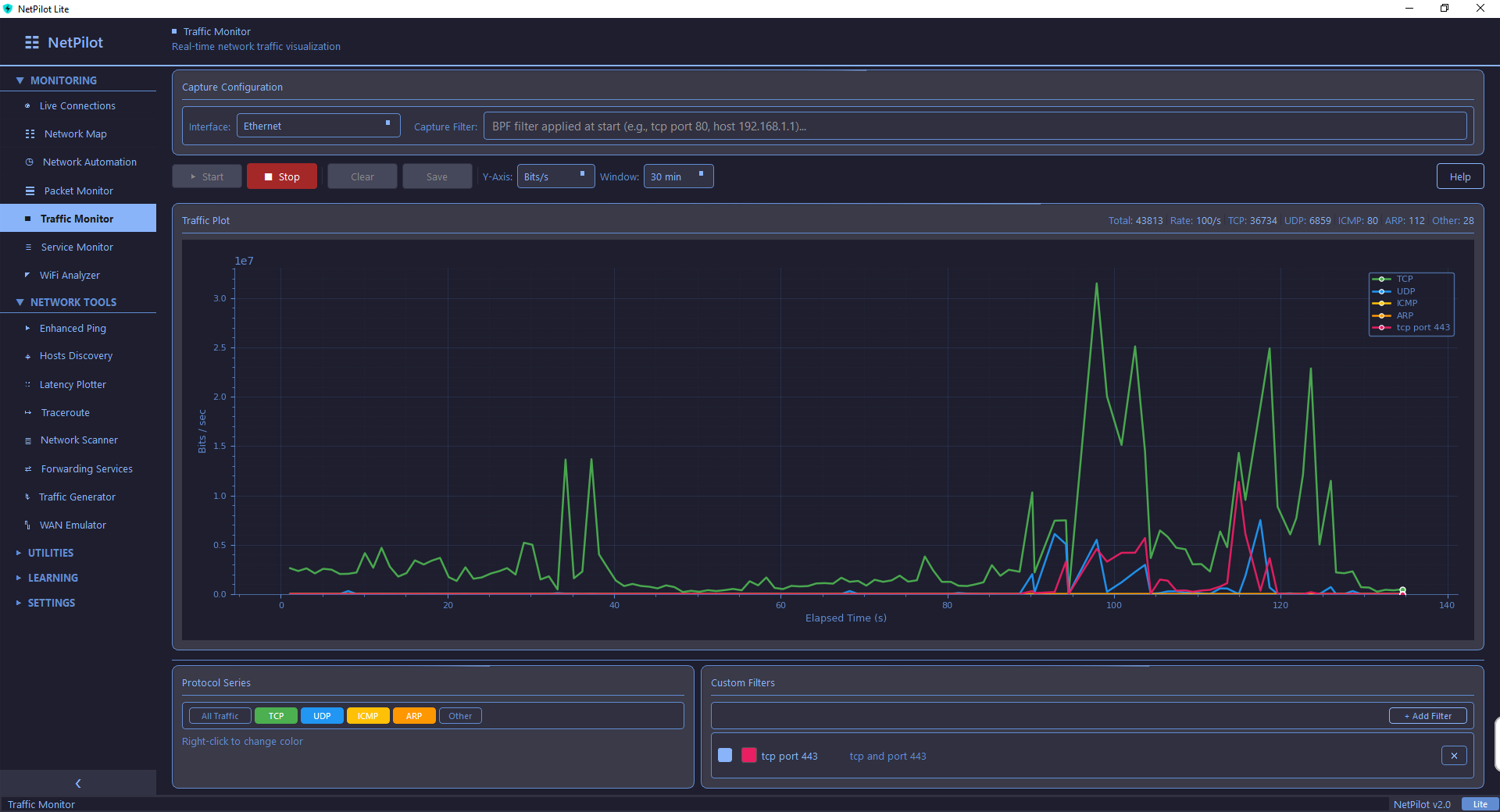
Windows toolkit

See the toolkit in action.

NetPilot combines practical diagnostics, live monitoring, and learning tools without forcing you to switch between a collection of disconnected utilities.

View all Windows features
Good to know

One family, clear boundaries.

What is the difference between the products?

NetPilot Toolkit is the Windows desktop product for diagnostics, monitoring, automation, and learning. NetPilot Academy is the focused learning product for iPhone, iPad, and Mac.

Is NetPilot Academy available now?

Yes. Download NetPilot: Network Training for iPhone, iPad, and Mac from the App Store.

Do the products share the same purchase?

They are separate products with separate store listings and access rules. Windows Toolkit licensing does not automatically include Academy, and Academy subscriptions do not unlock Windows-only diagnostic tools.

Who is NetPilot for?

Network engineers, IT professionals, system administrators, helpdesk technicians, and students preparing for networking certifications.

Start where you are

Build better network confidence.

Use the Windows toolkit for the workday, or use Academy for structured CCNA and CCNP training on iPhone, iPad, and Mac, available now on the App Store.

Scroll to Top